MeiGen is a gallery of AI images where you can see and reuse the prompt behind each one. Browsing is free; generating costs credits. The prompts below are ours, not MeiGen’s — nine of them, each run through ten AI image generators on default settings, first output kept, nothing re-rolled. Copy any prompt, then check the grid underneath it to see which model is actually worth spending credits on for that job.
MeiGen AI is a prompt gallery and credit-based image generator from MeiGen Creative LLC. Browsing prompts is free; generating images uses credits bought through in-app purchases. It runs on third-party models including GPT Image 2, Nano Banana and Seedance 2.5.
Pipgen, September 2026. Prompt results from our own 90-image benchmark.What MeiGen AI is, and what its prompts are
MeiGen is an app from MeiGen Creative LLC, rated 4.6 from 437 reviews on Google Play. Its pitch, in its own words, is “inspiration, from discovery to creation”: you scroll an ever-growing feed of AI images and videos, view and reuse the full prompt behind each one, save what you like into boards, and generate your own work from it.
The store listing is explicit about the money: “Browsing is free. Generation uses credits, available through in-app purchases.” So the prompt library costs nothing to read. Running those prompts is what you pay for.
That is the gap this page fills. A prompt on its own tells you nothing about whether it works, because the pretty example next to it was made on one particular model, and you are not told which. Our nine prompts below each come with ten results, scored, so you can see the difference before you spend anything.
What we did and did not test
We have not hands-on tested the MeiGen app itself, and nothing here scores MeiGen as a product. What we tested are the nine prompts, run across ten AI image generators under our review policy: identical wording, default settings, first output kept, no re-rolls, every image published including the failures. Details about MeiGen come from its Google Play listing and its own description, in September 2026.
How to use MeiGen AI prompts
From prompt to image
- Browse the gallery and open an image you like. Browsing is free.
- Open the prompt behind it and copy the full text — not a summary of it.
- Decide which model to run it on. This is the step that decides your result, and the step MeiGen does not help with. Use the grids below.
- Generate. This spends credits, bought through in-app purchase.
Or skip the browsing entirely and start from a prompt that has already been tested. That is what the rest of this page is.
Prompts for text inside the image
The hardest thing to ask an image model for is a specific word, spelled correctly. These two prompts separate the tools that can spell from the tools that produce decorative gibberish.
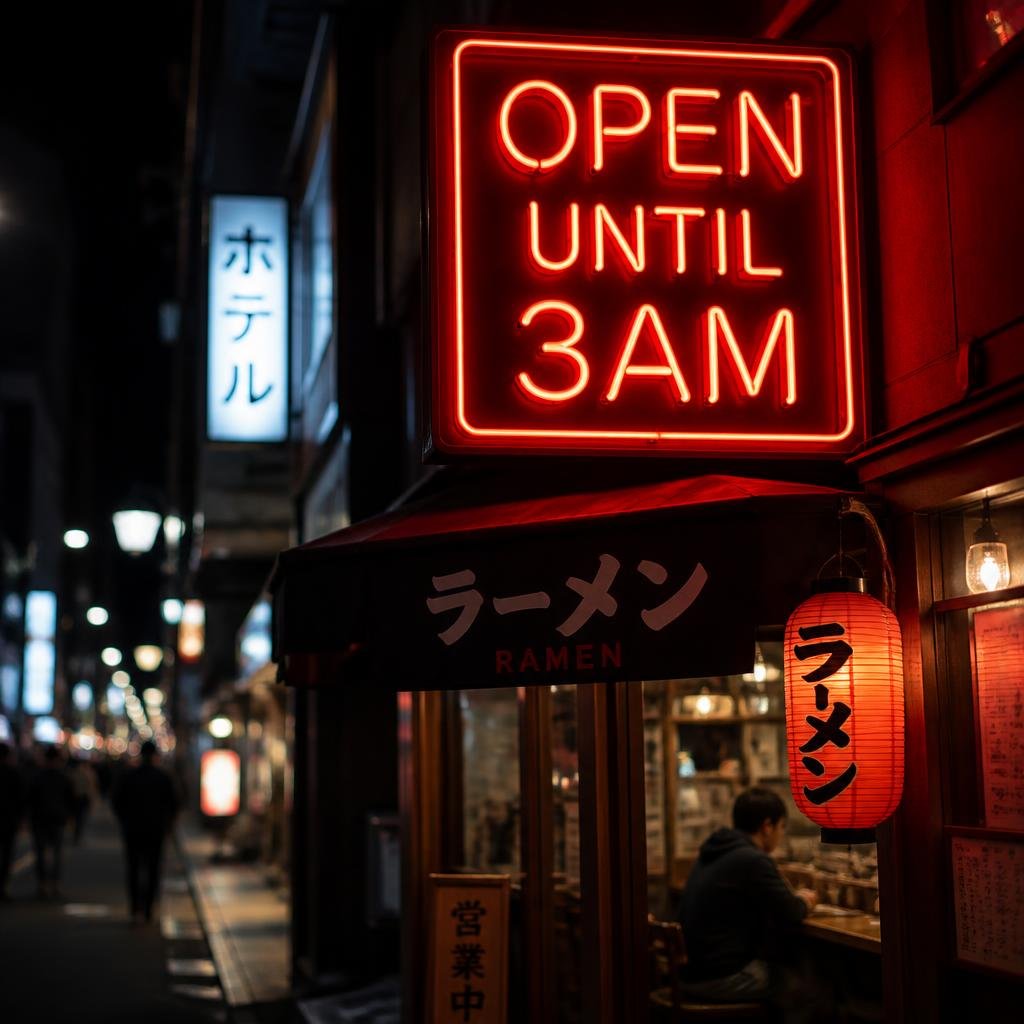
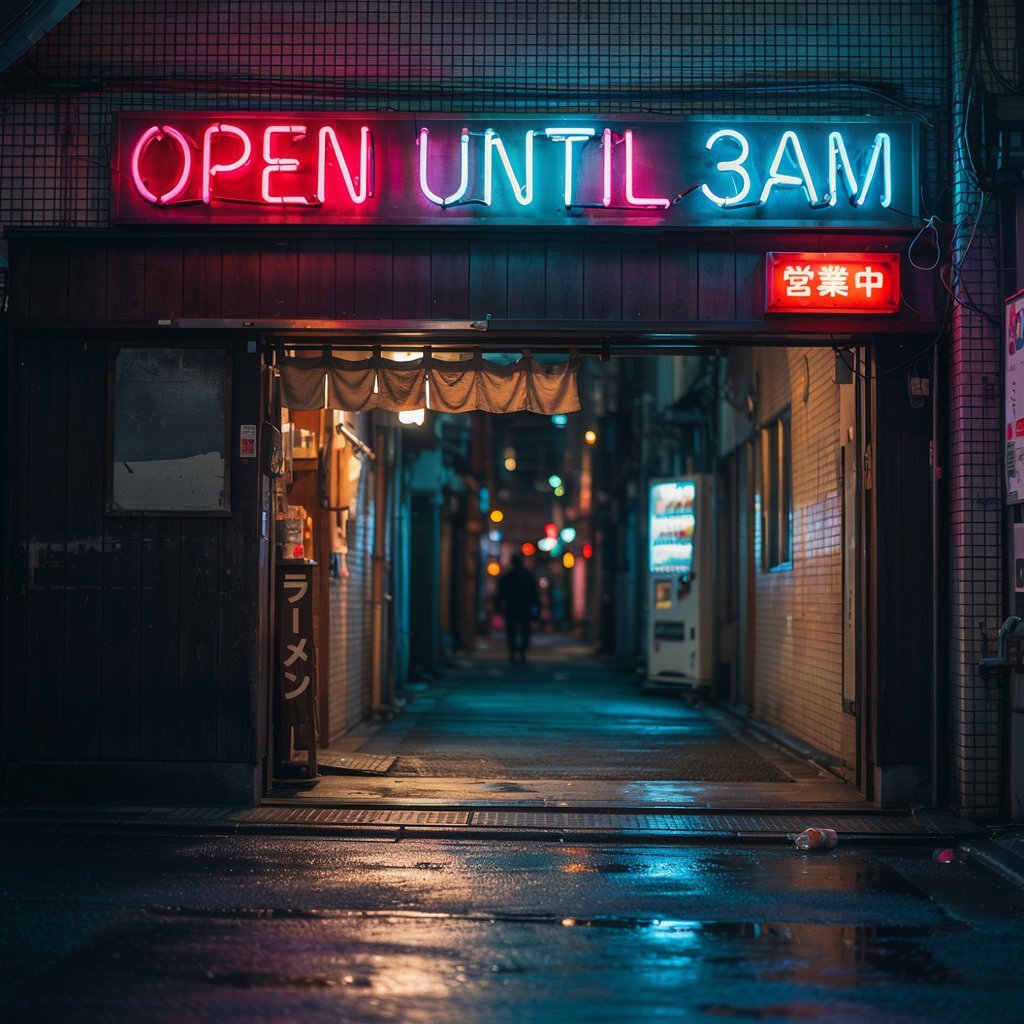
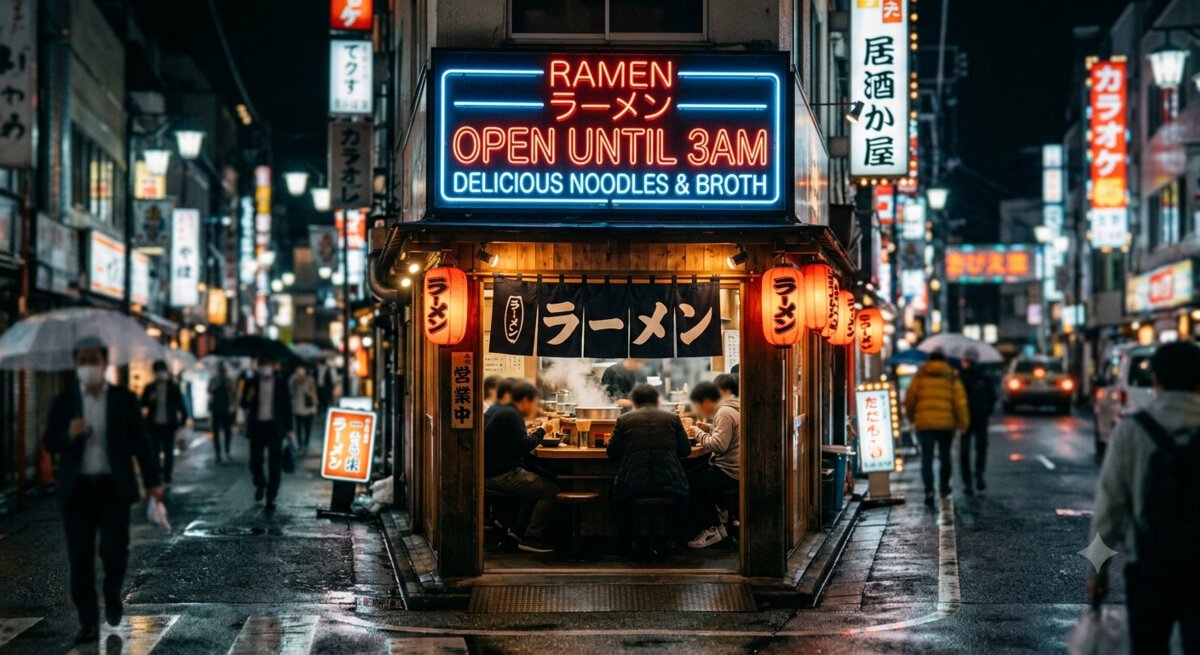
Neon sign: “OPEN UNTIL 3AM” above a ramen shop
a neon sign above a ramen shop that reads “OPEN UNTIL 3AM”, night street, shallow depth of field
Can it spell a specific phrase in lights? The score on each image is that tool’s text result out of ten. Top scorer for text rendering: GPT Image 2 at 9.8/10. The number on each image below is that tool’s text rendering score, not a per-image rating.
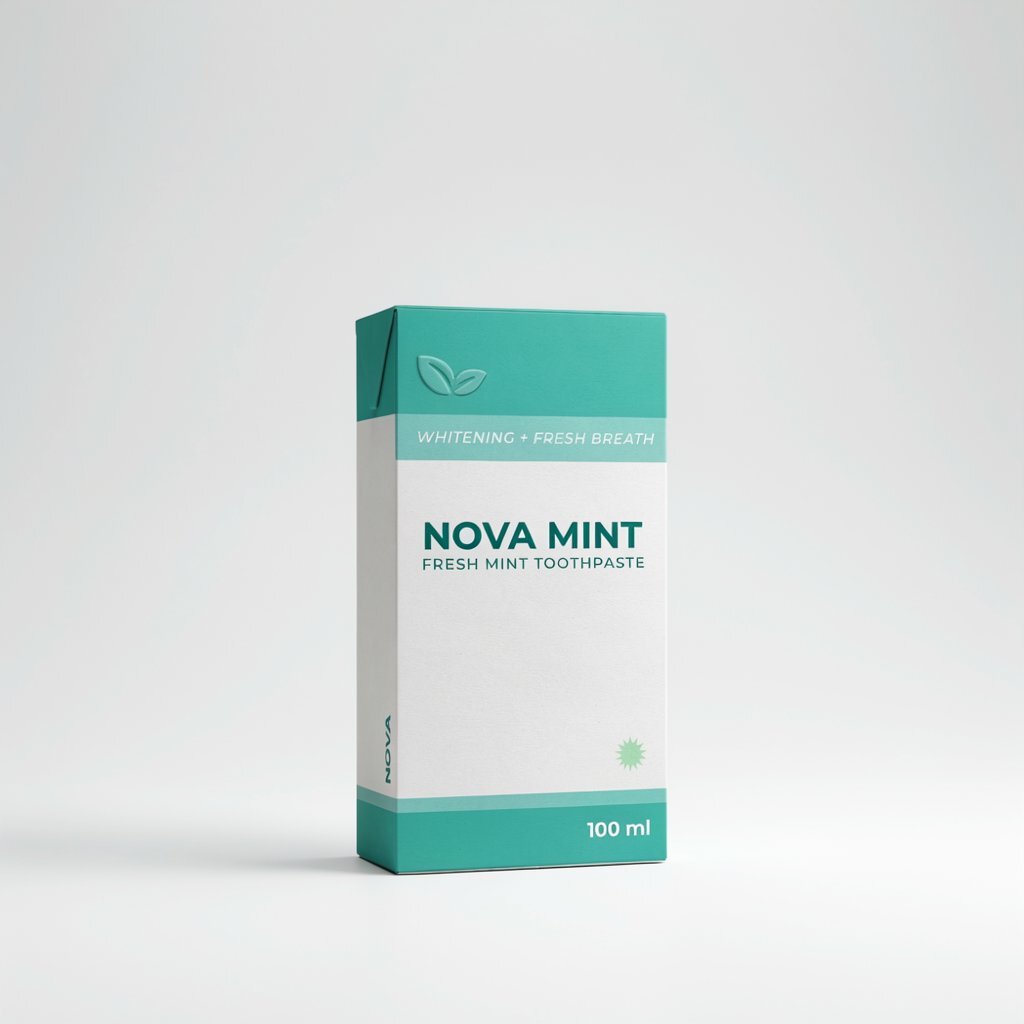
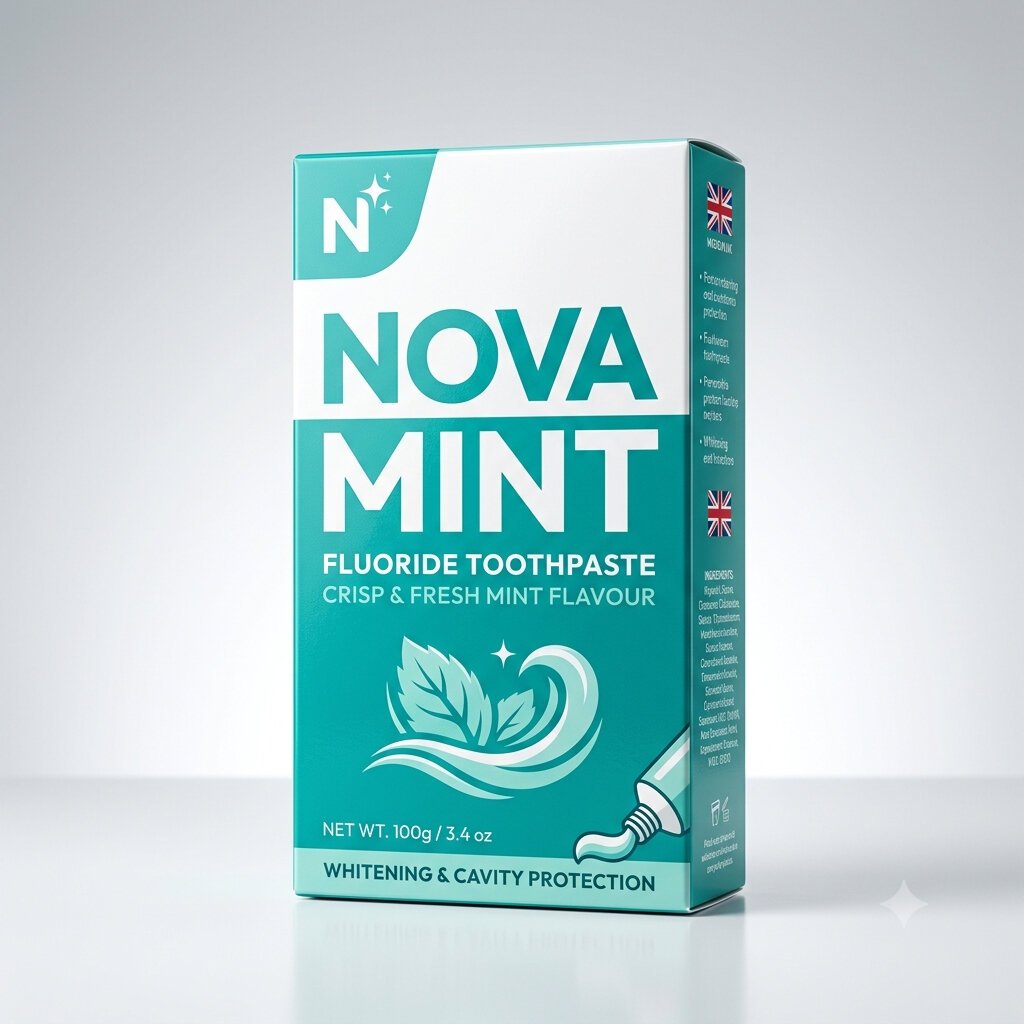
Product box: “NOVA MINT” toothpaste packaging
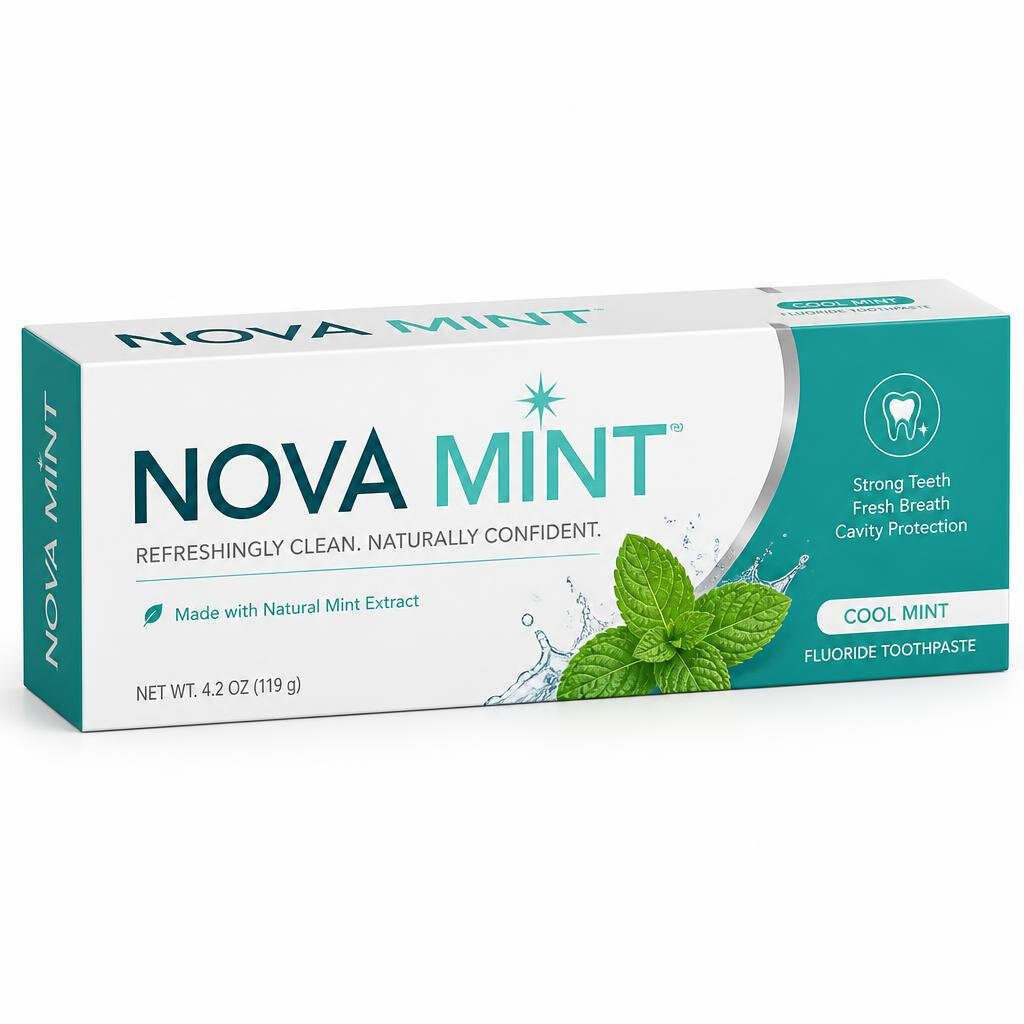
a product box for “NOVA MINT” toothpaste, brand name clearly printed, teal and white packaging, studio light
Correct brand name plus the small print. The score on each image is that tool’s text result out of ten. Top scorer for text rendering: GPT Image 2 at 9.8/10. The number on each image below is that tool’s text rendering score, not a per-image rating.
Prompts for photorealism
Both of these ask for things that break AI images: real skin texture, and wet surfaces that reflect light correctly.
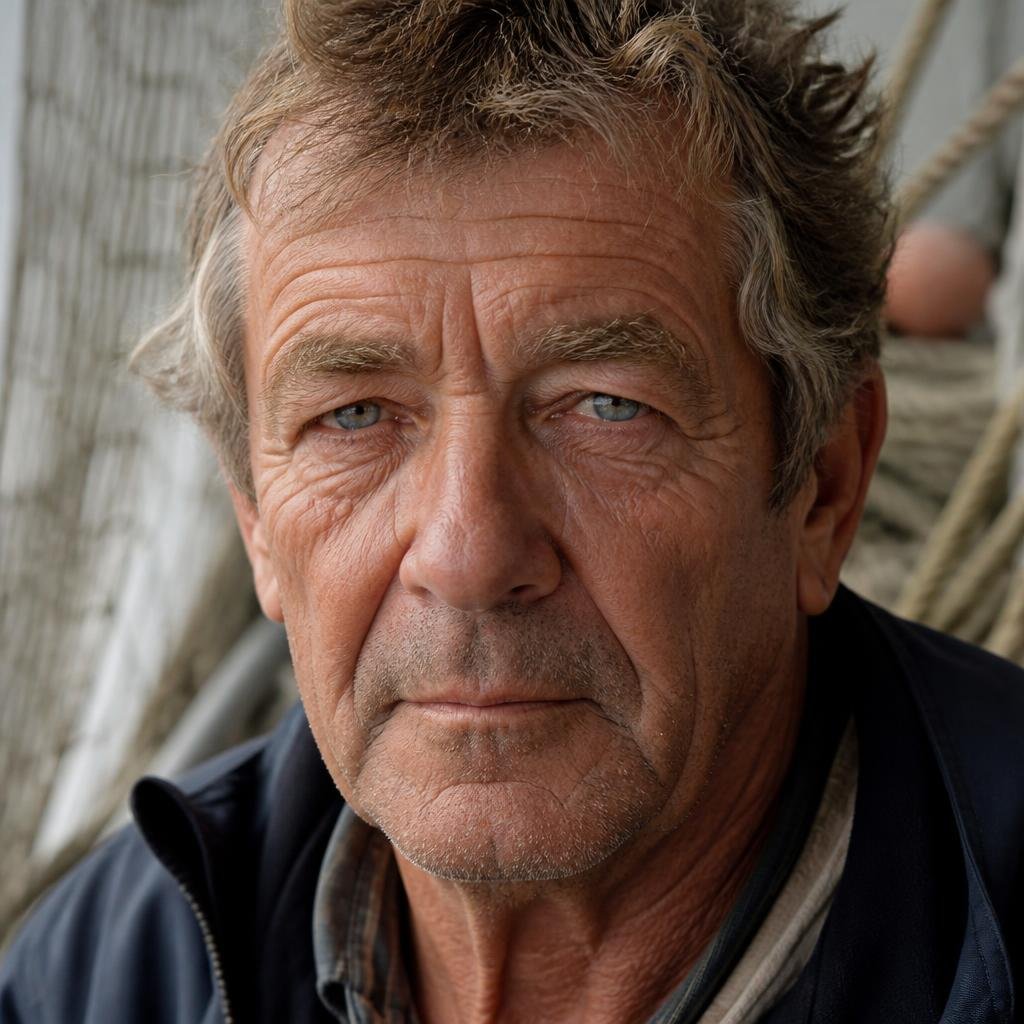
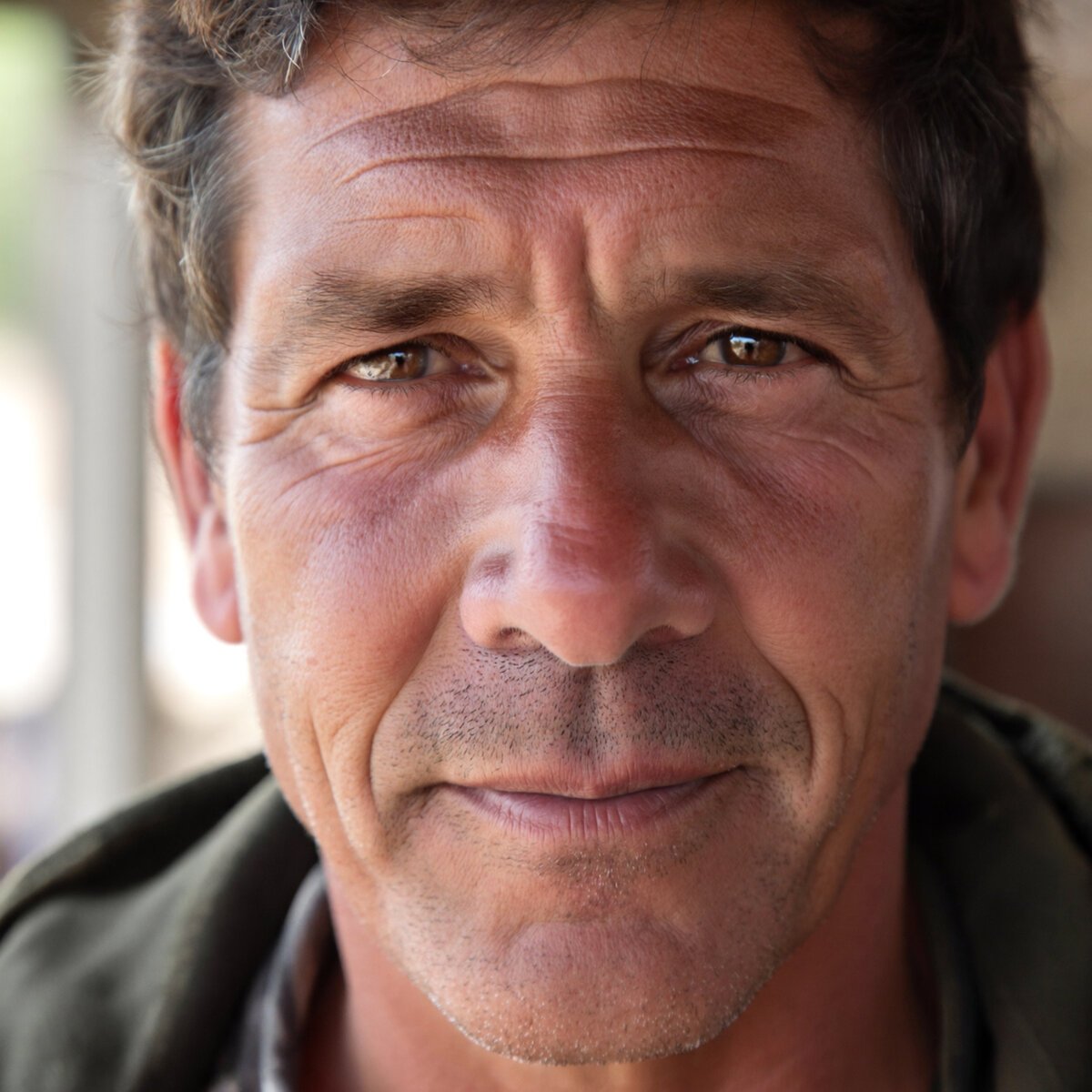
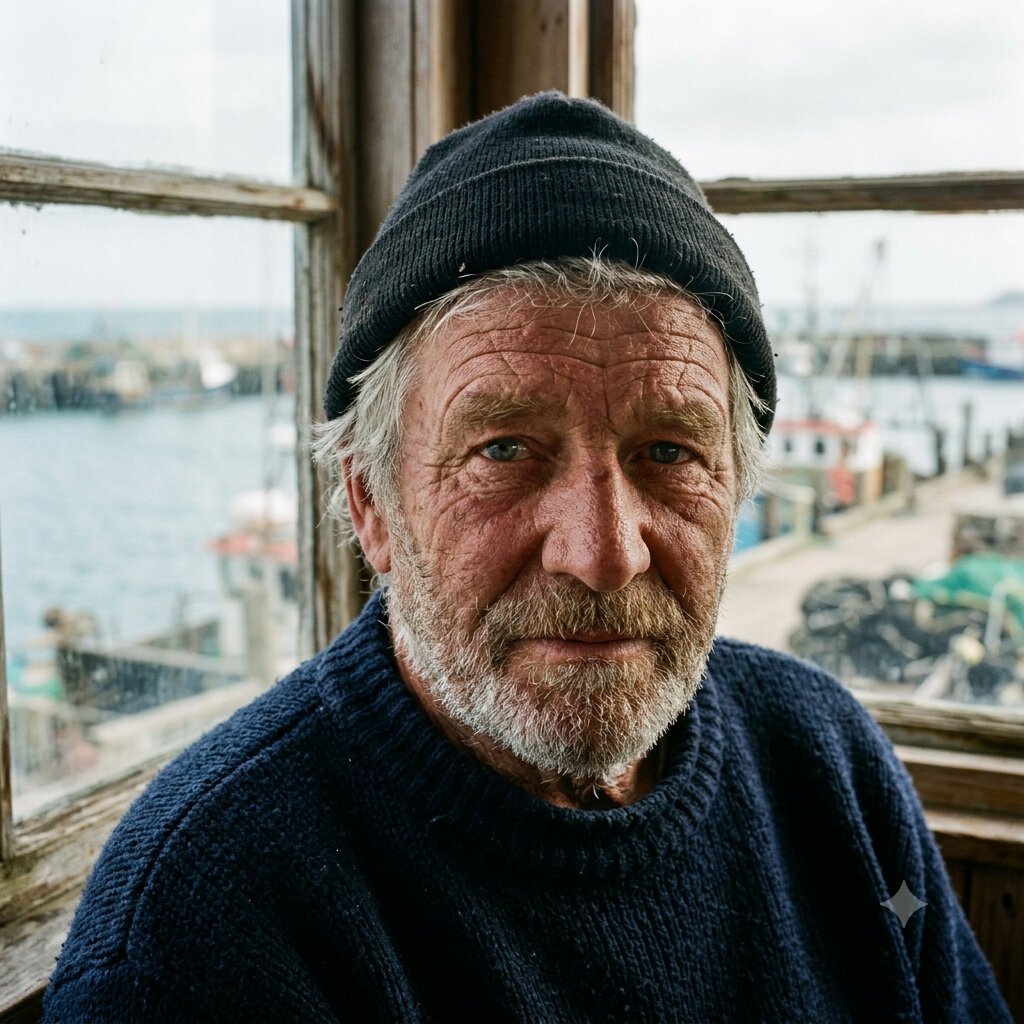
Fisherman portrait: weathered skin in window light
close-up portrait of a 60-year-old fisherman, weathered skin, natural window light, 85mm lens, no retouching
Real skin, or the waxy AI-gloss look? The score on each image is that tool’s photoreal result out of ten. Top scorer for photorealism: GPT Image 2 at 9.5/10. The number on each image below is that tool’s photorealism score, not a per-image rating.
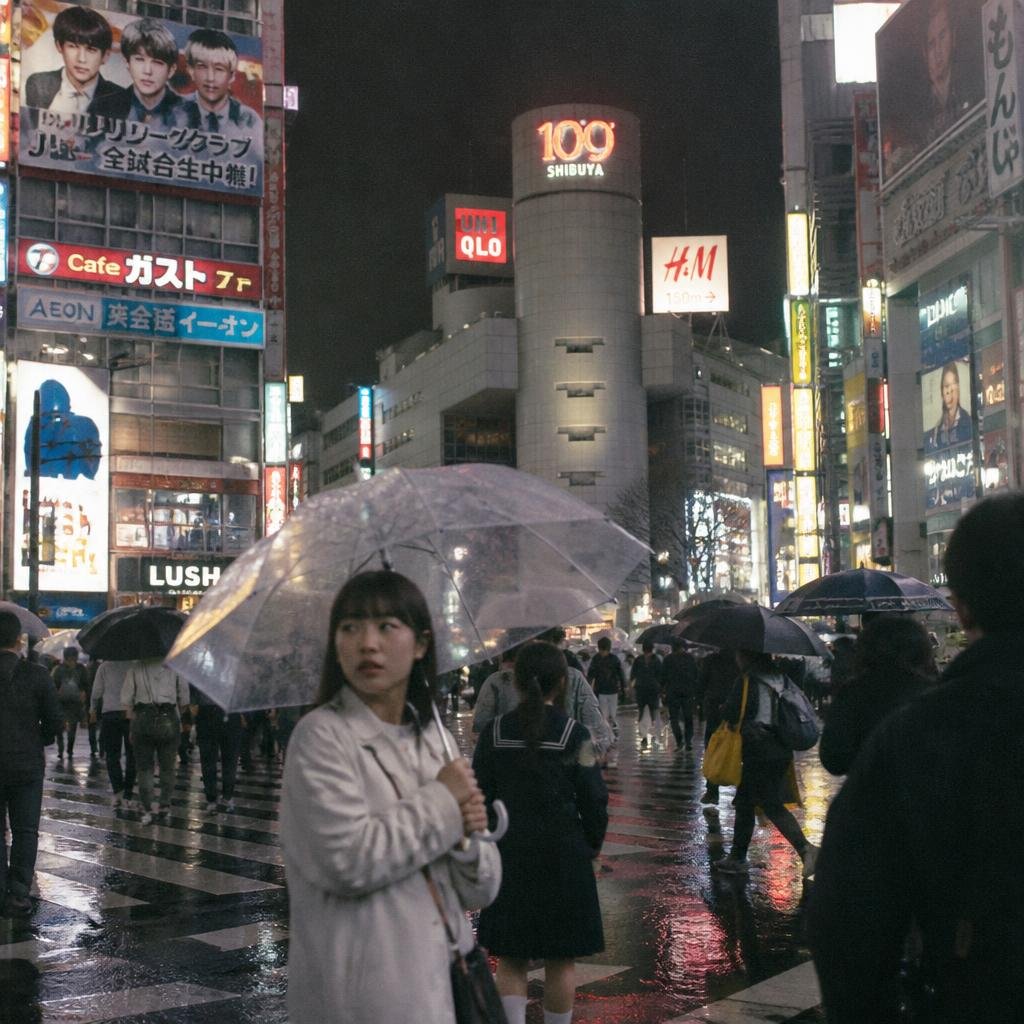
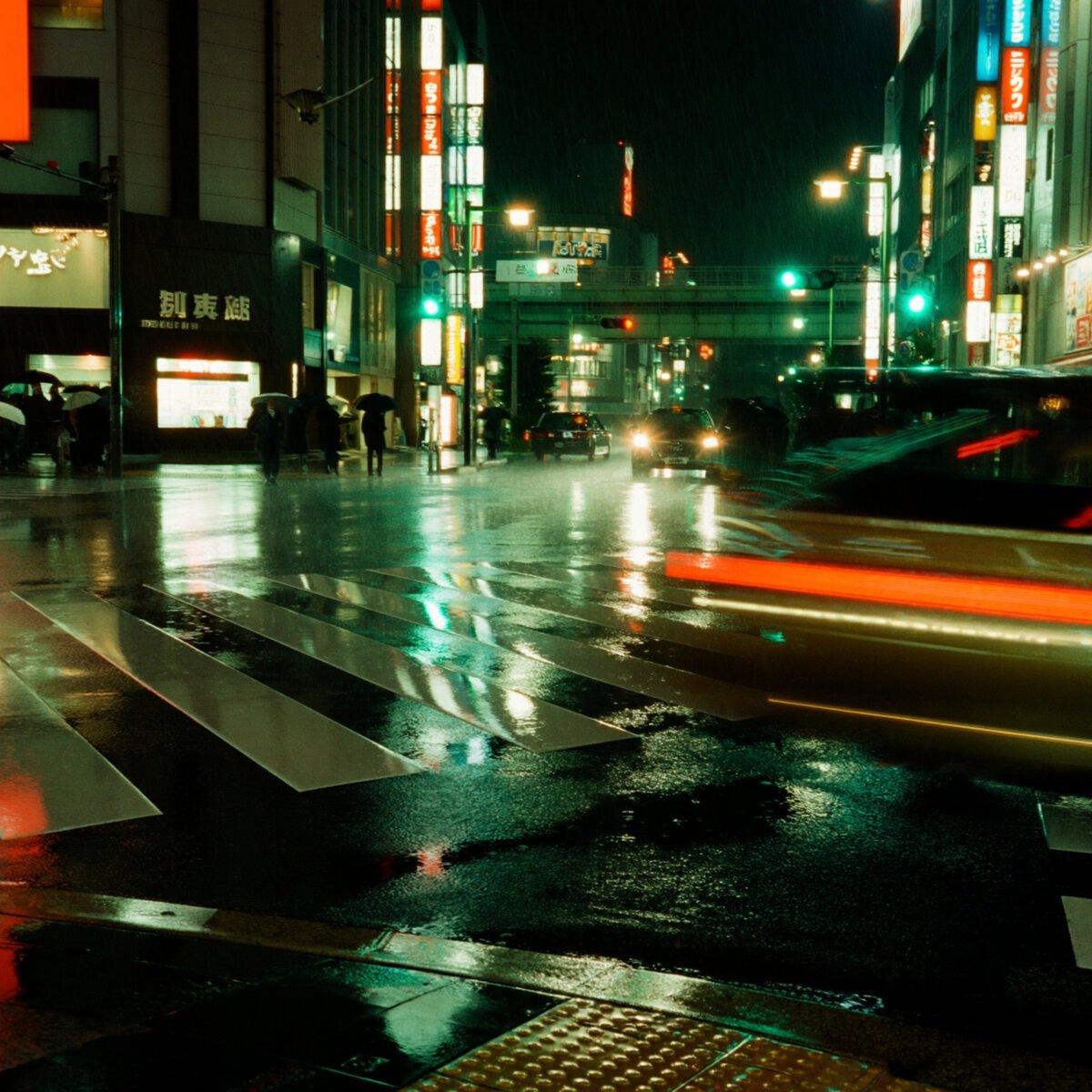
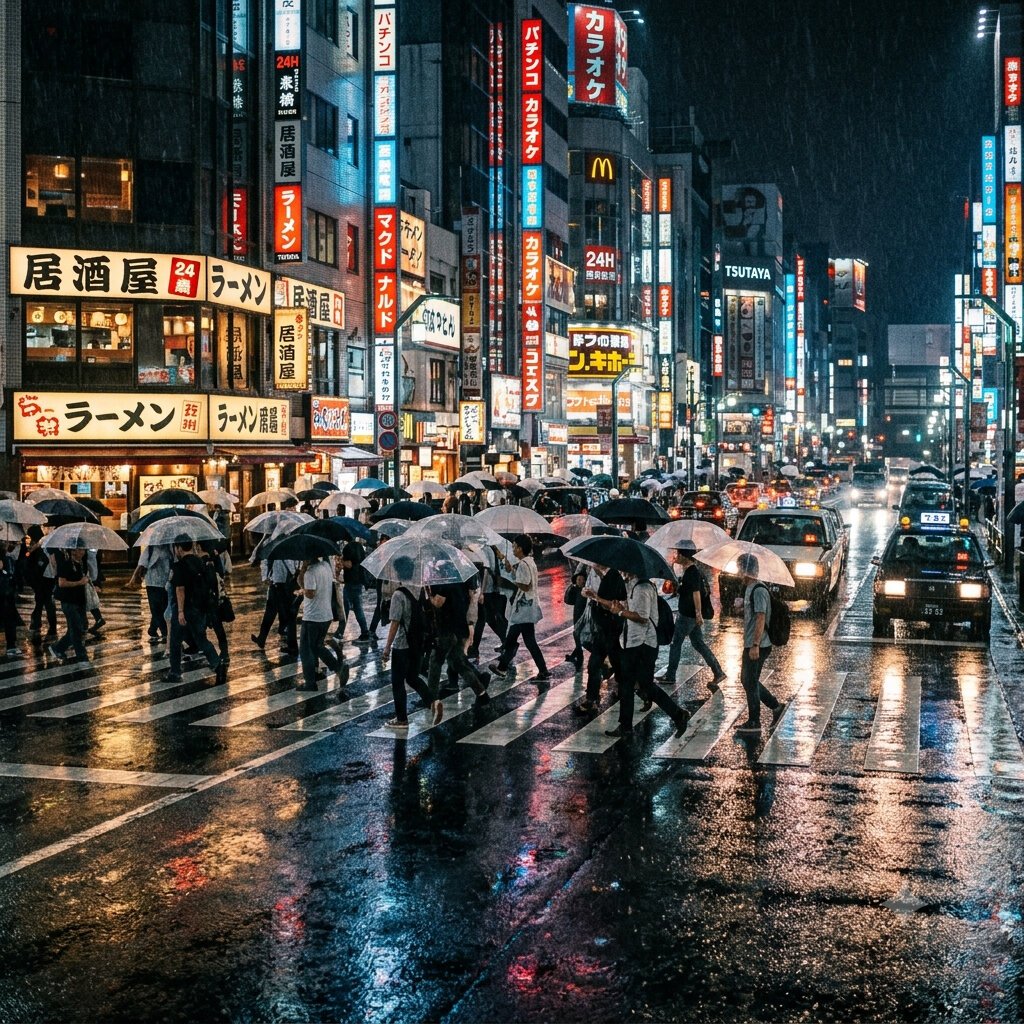
Rainy Tokyo crossing at night
street photo of a rainy Tokyo crossing at night, wet asphalt reflections, neon signage, 35mm documentary style
Wet reflections and a real crossing. The score on each image is that tool’s photoreal result out of ten. Top scorer for photorealism: GPT Image 2 at 9.5/10. The number on each image below is that tool’s photorealism score, not a per-image rating.
A prompt for hands
Hands remain the widest quality gap between models. This prompt asks for two of them, interacting.
Two hands exchanging a coffee cup
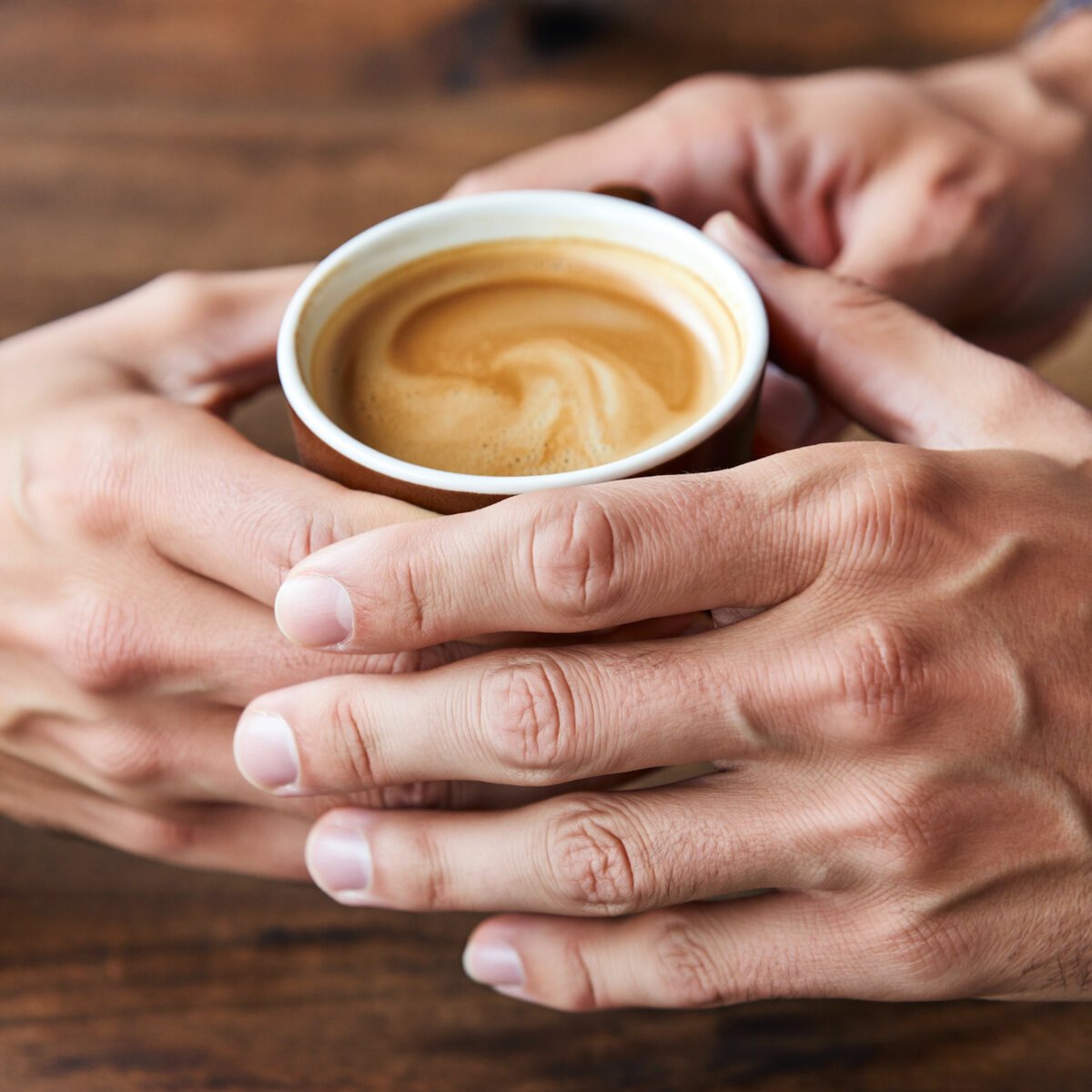
two hands exchanging a coffee cup, close-up, all ten fingers visible, natural pose
Correct fingers in an interacting pose. The score on each image is that tool’s hands result out of ten. Top scorer for hands: Nano Banana 2 at 9.7/10. The number on each image below is that tool’s hands score, not a per-image rating.


A prompt for product photography
Glass, liquid and a straight dropper under studio light — the commercial use case most people actually need.
Skincare serum bottle on a beige background
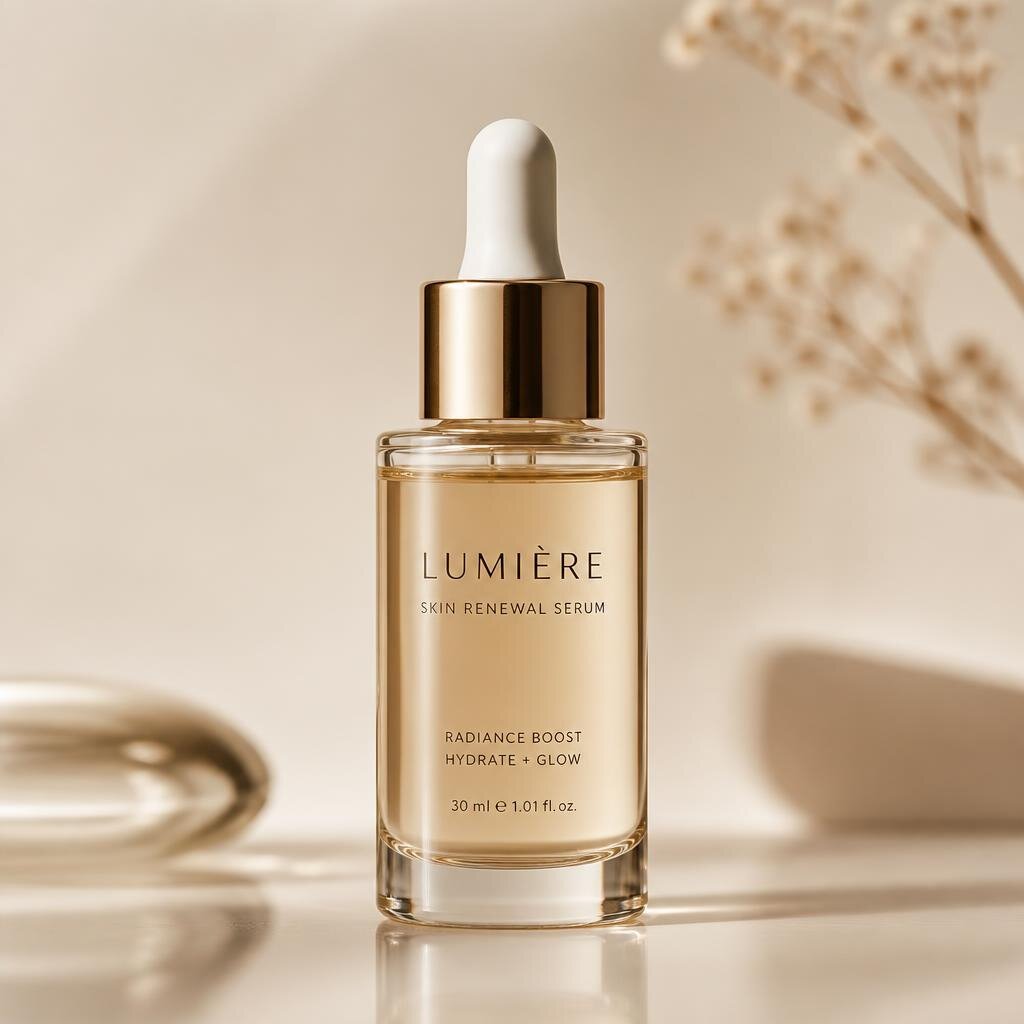
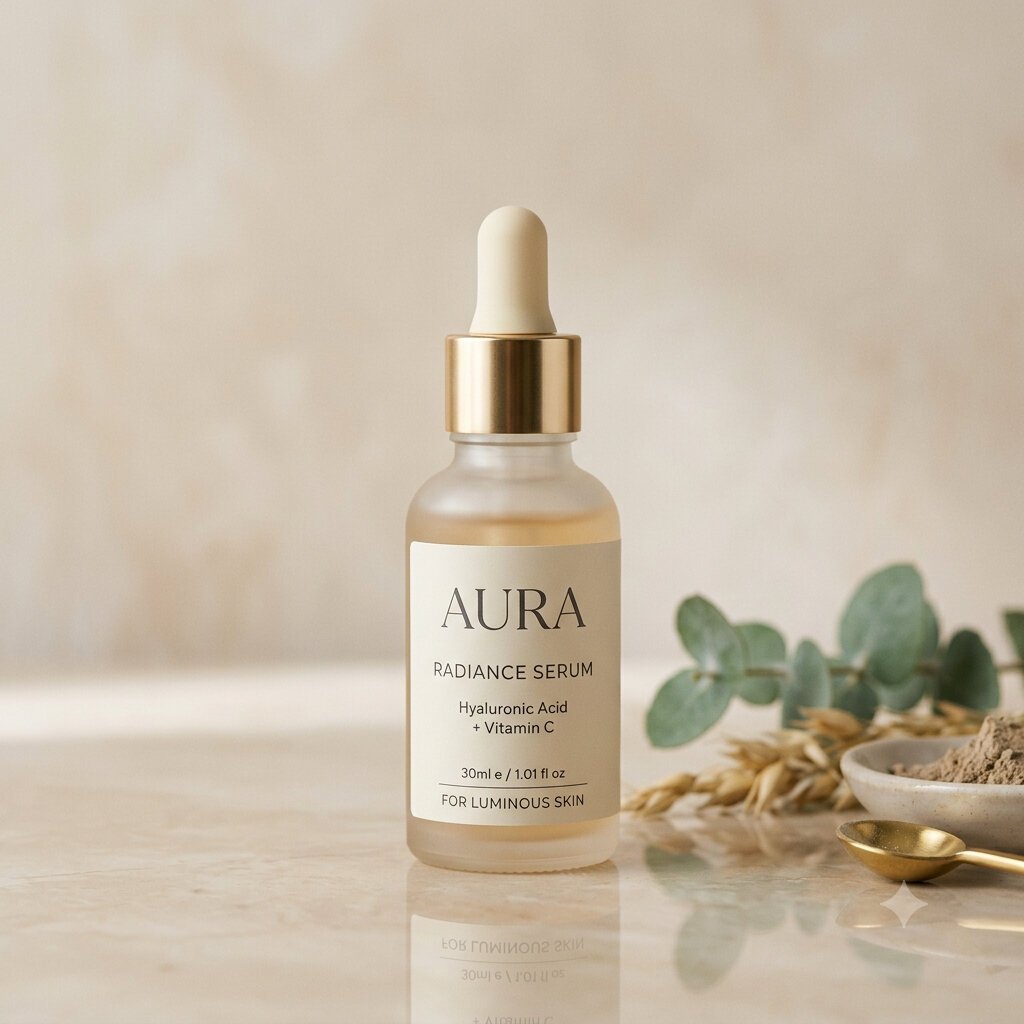
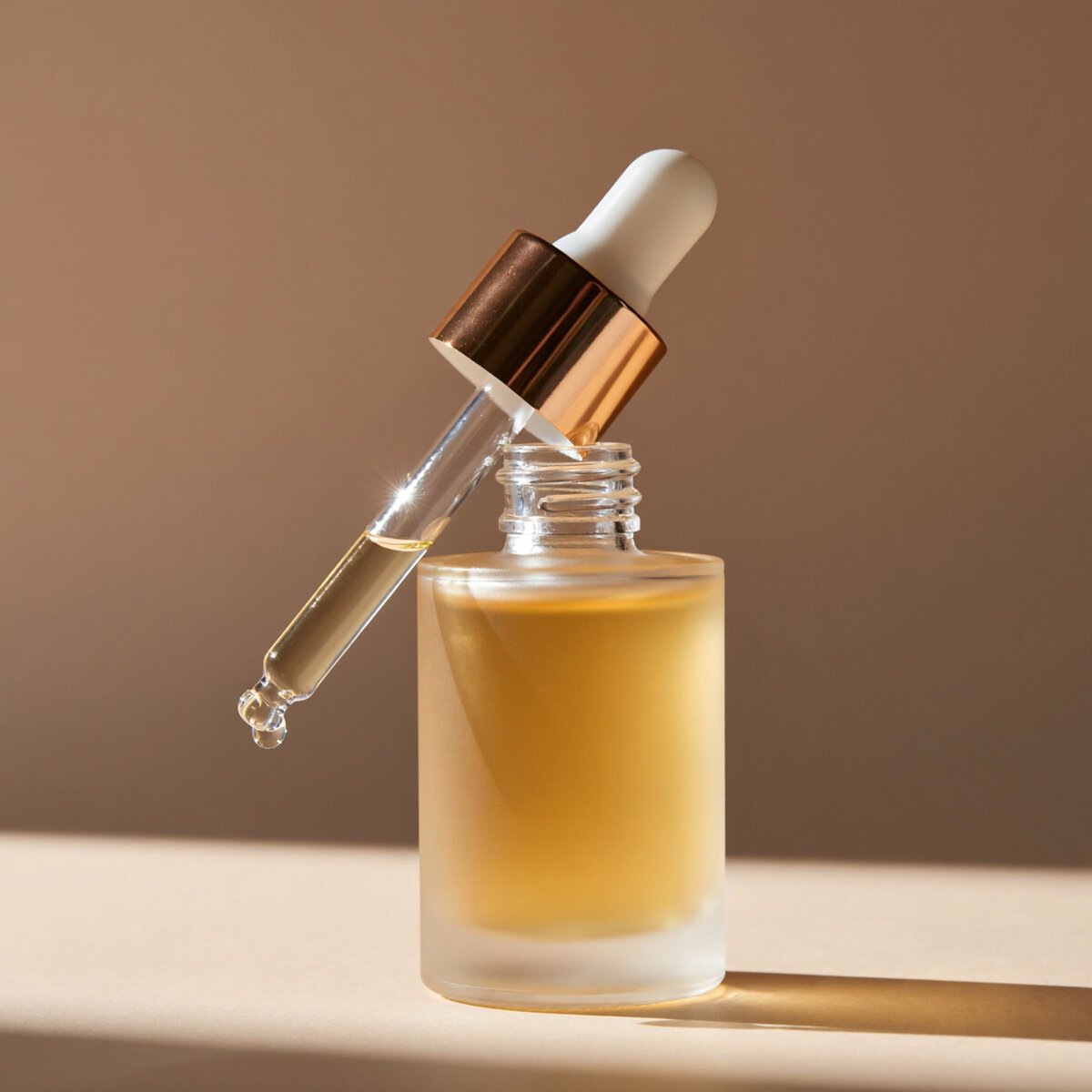
a skincare serum bottle with a dropper, minimalist beige background, soft reflections, premium cosmetics photography
Glass, liquid and a straight dropper. The score on each image is that tool’s product result out of ten. Top scorer for product photography: GPT Image 2 at 10.0/10. The number on each image below is that tool’s product photography score, not a per-image rating.
A prompt for anime and illustration
Tests whether a model can commit to a drawing style rather than producing a photograph of someone in a wig.
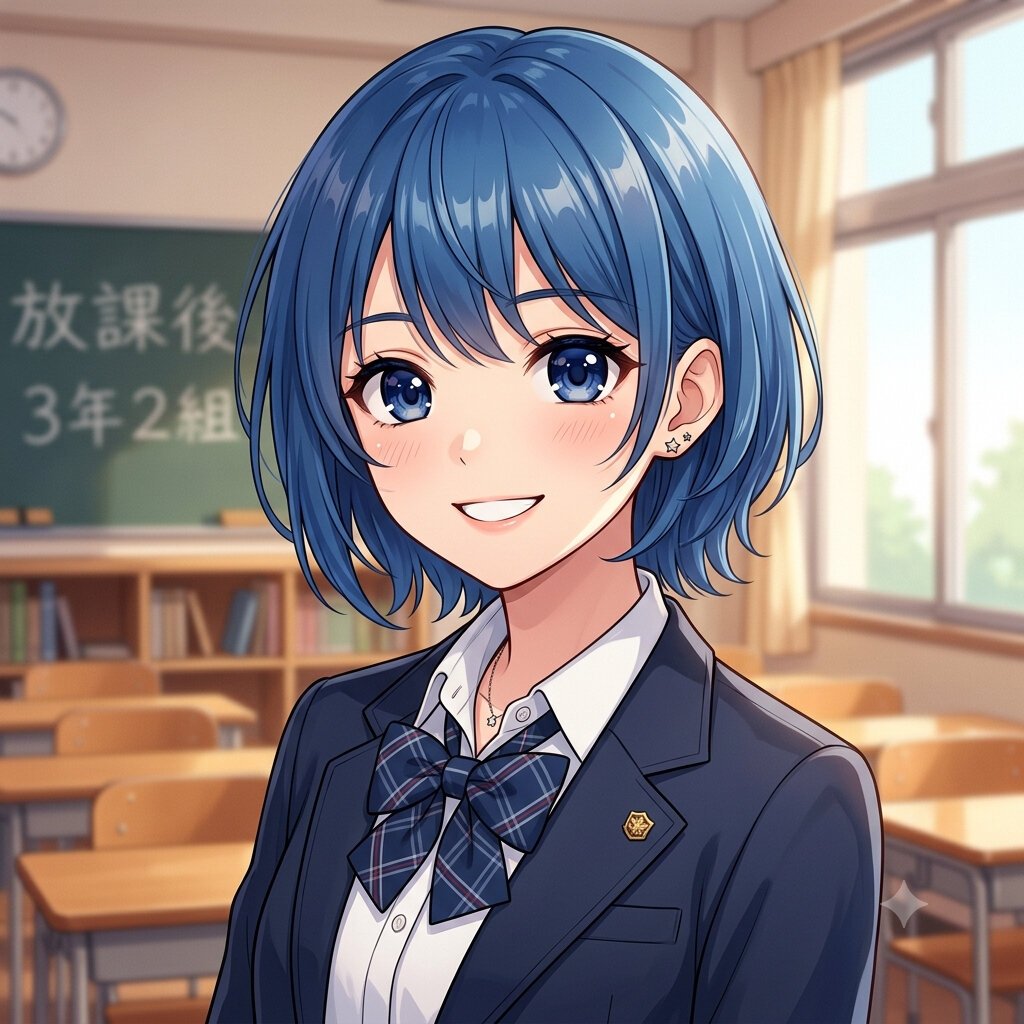
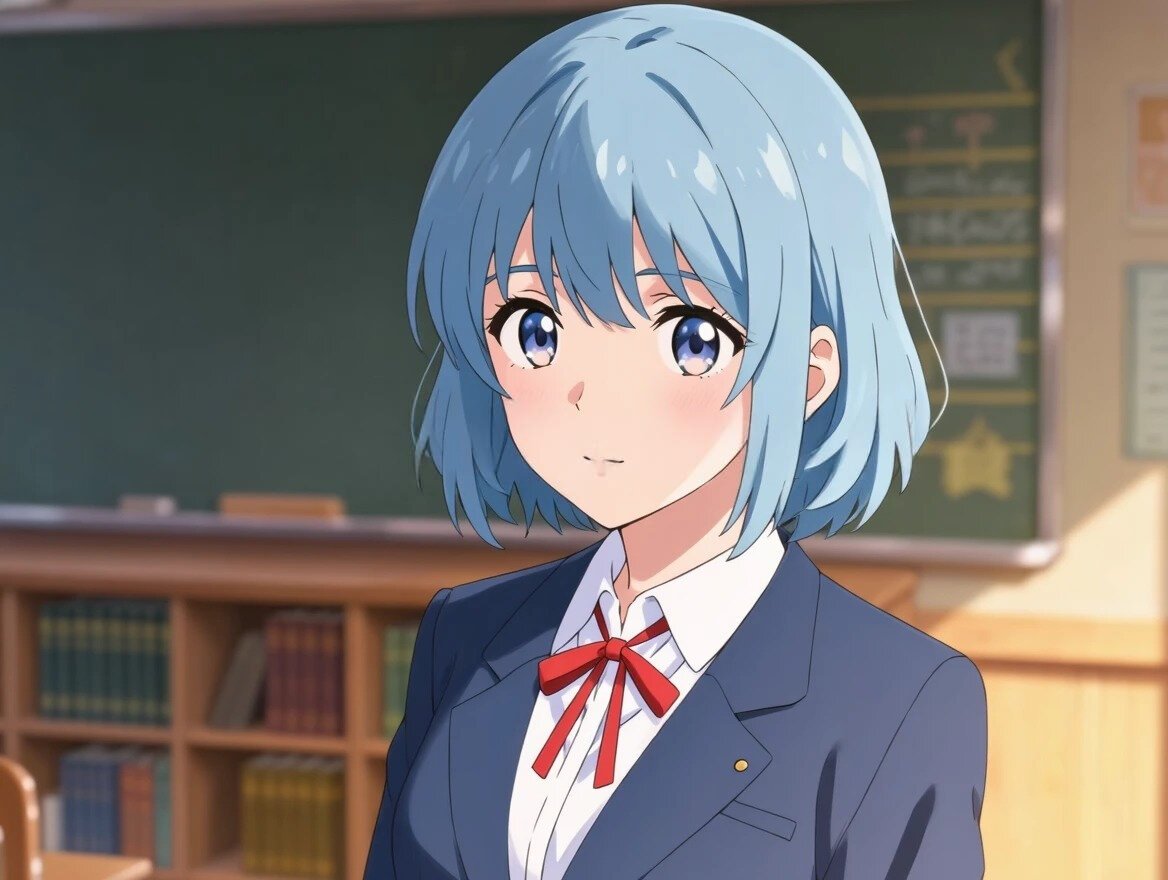
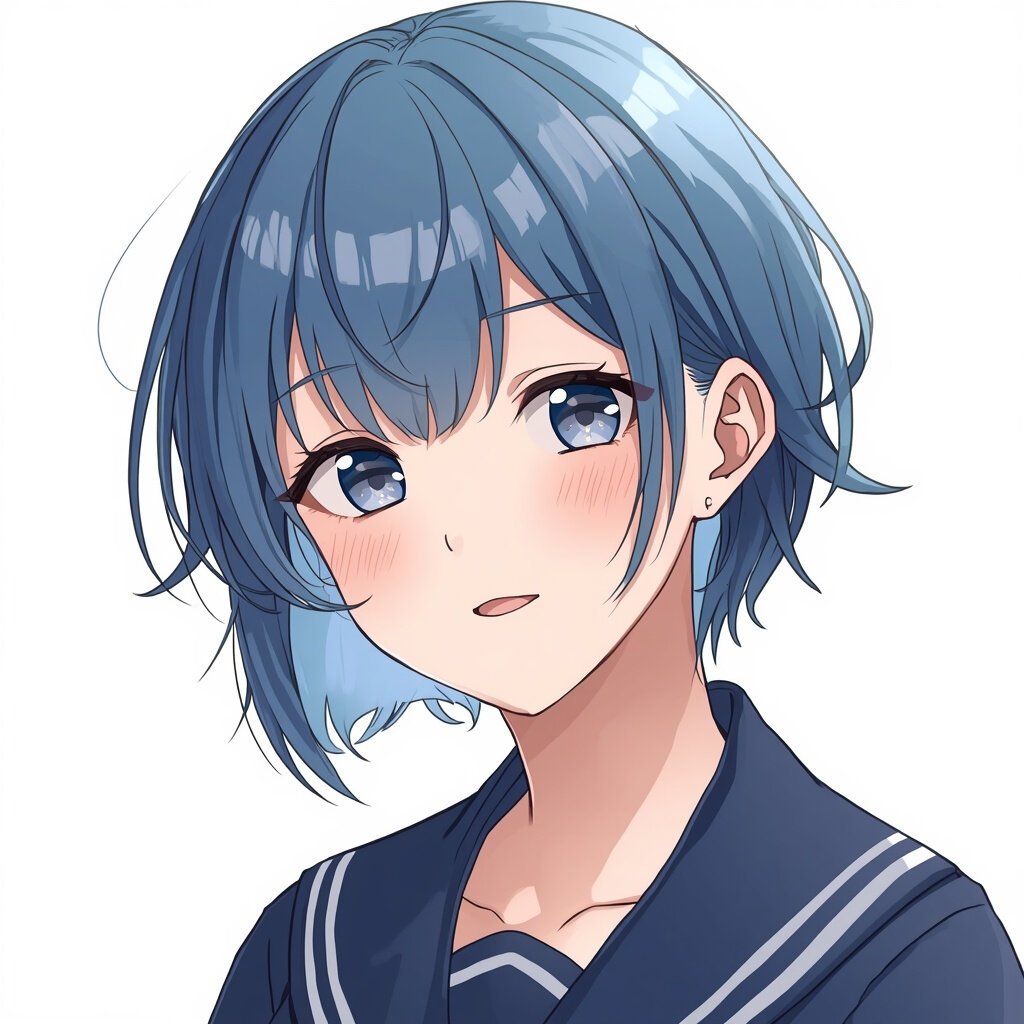
Anime portrait: short blue hair, school uniform
anime-style portrait of a young woman with short blue hair, school uniform, soft cel shading, detailed eyes
A real drawing, or a photo in a wig? The score on each image is that tool’s anime result out of ten. Top scorer for anime: Nano Banana 2 at 9.3/10. The number on each image below is that tool’s anime score, not a per-image rating.
Prompts that test instruction-following
These two check whether a model does exactly what it is told: named objects, named colours, named positions.
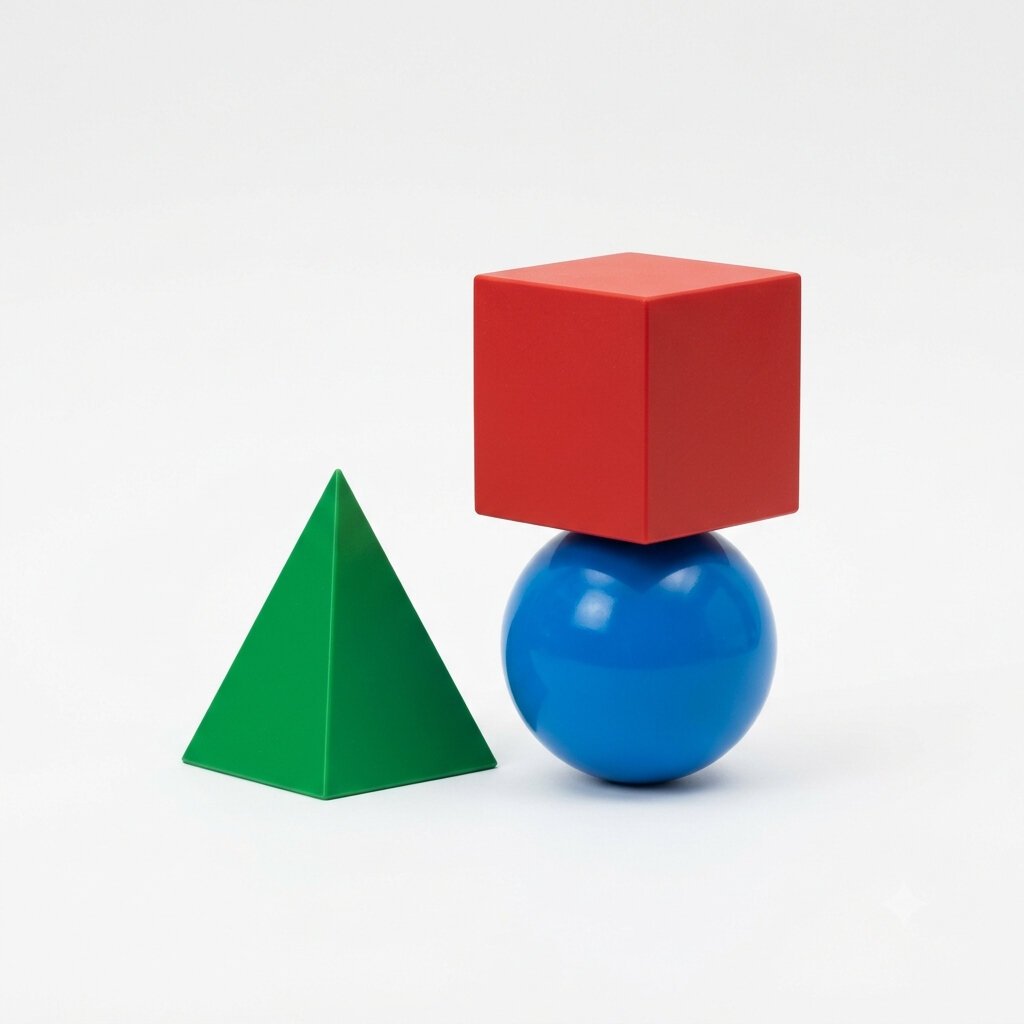
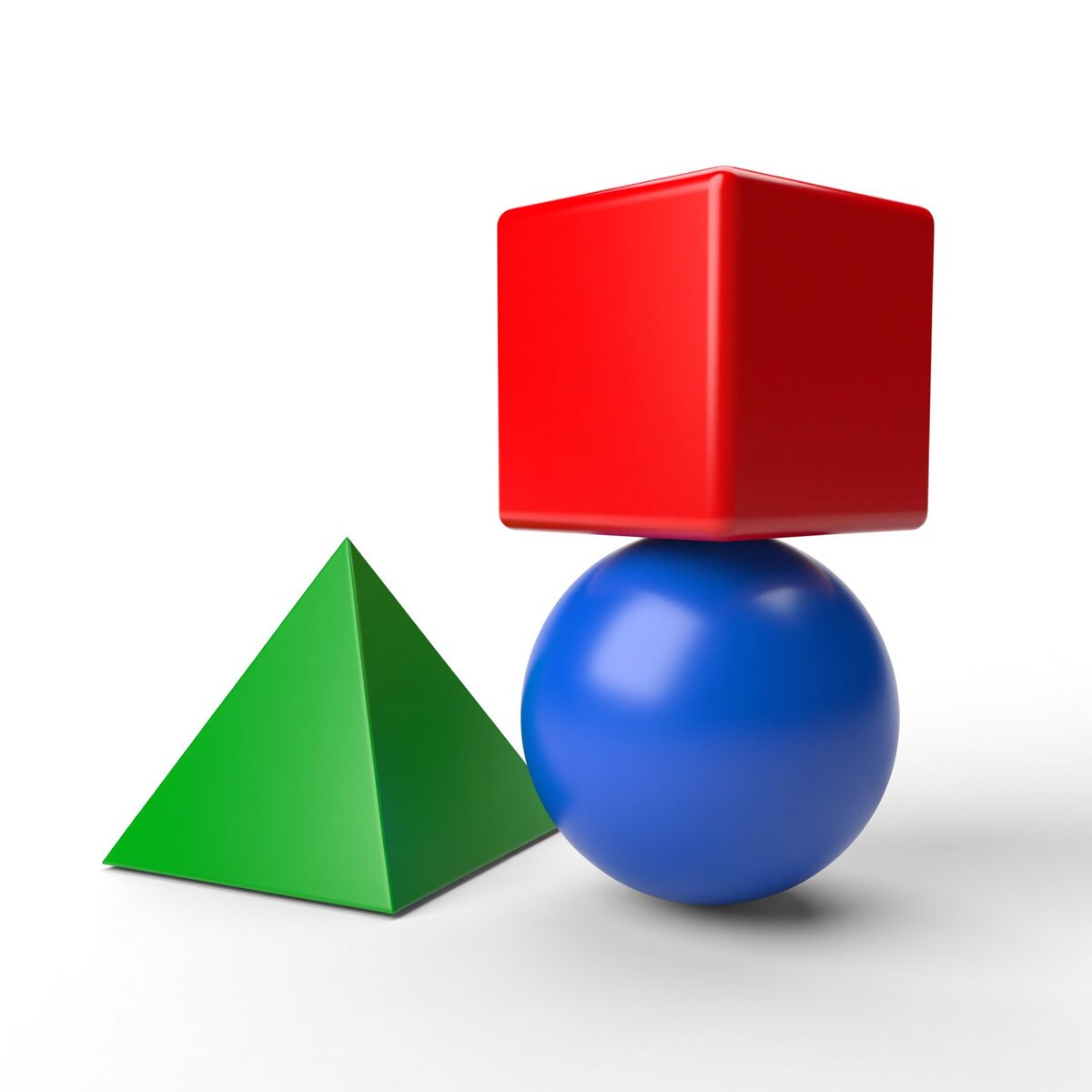
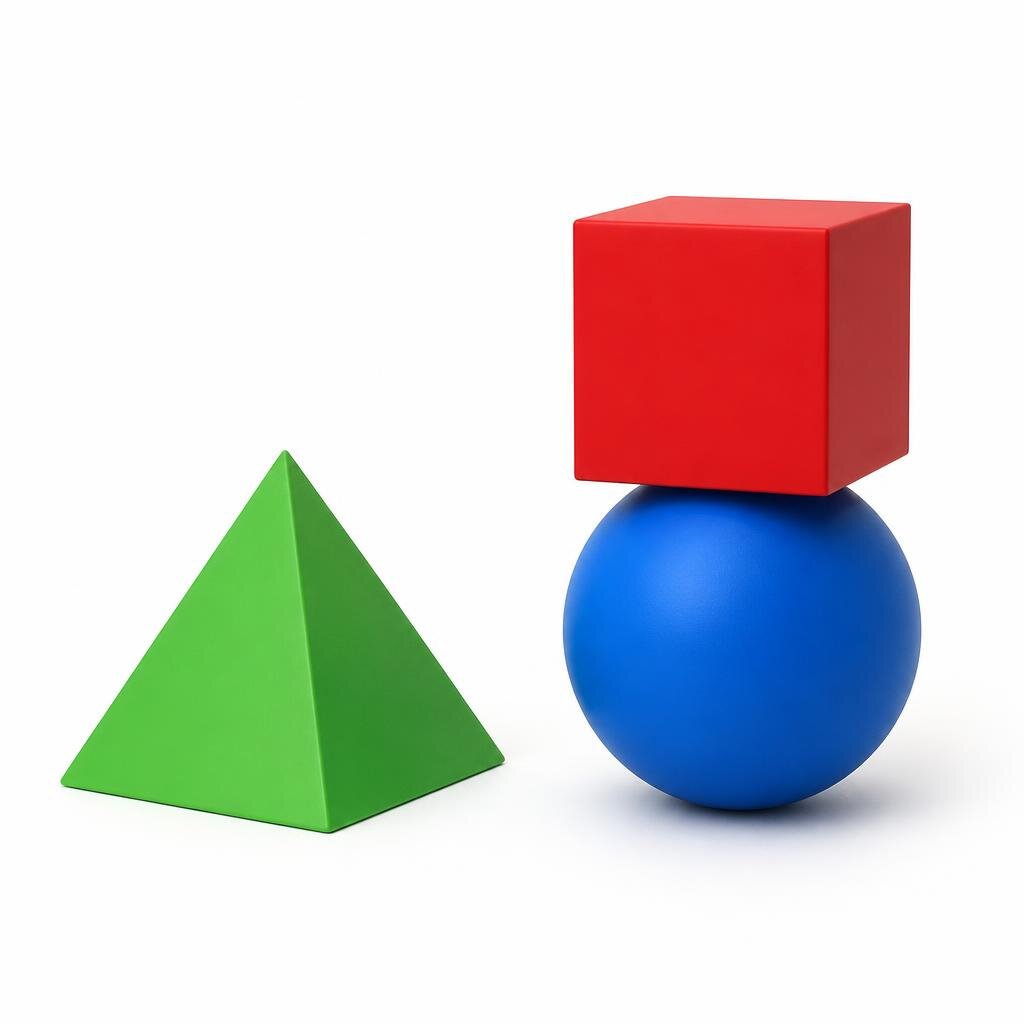
Geometric shapes: a cube, a sphere and a pyramid
a red cube on top of a blue sphere, to the left a green pyramid, plain white studio background, even lighting
Exact objects, colours and positions. The score on each image is that tool’s adherence result out of ten. Top scorer for prompt adherence: Nano Banana 2 at 9.5/10. The number on each image below is that tool’s prompt adherence score, not a per-image rating.
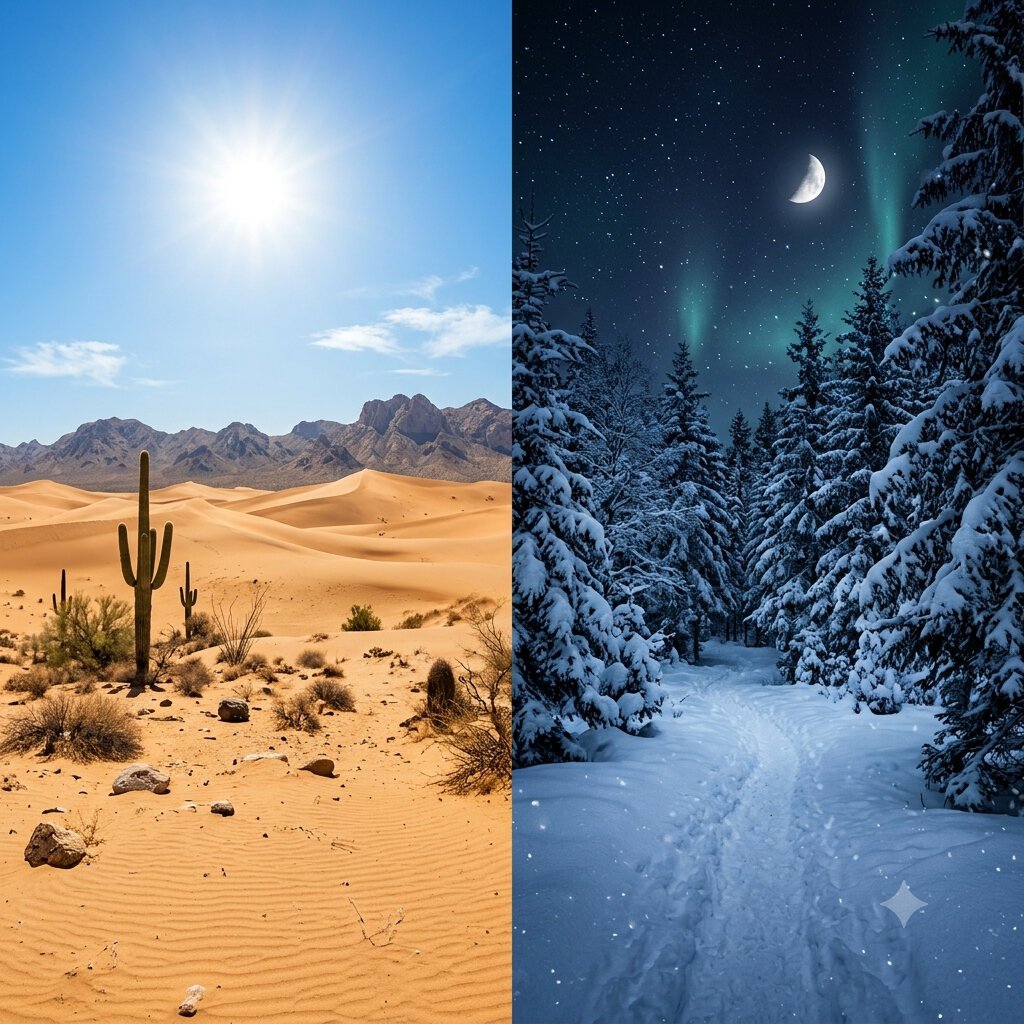
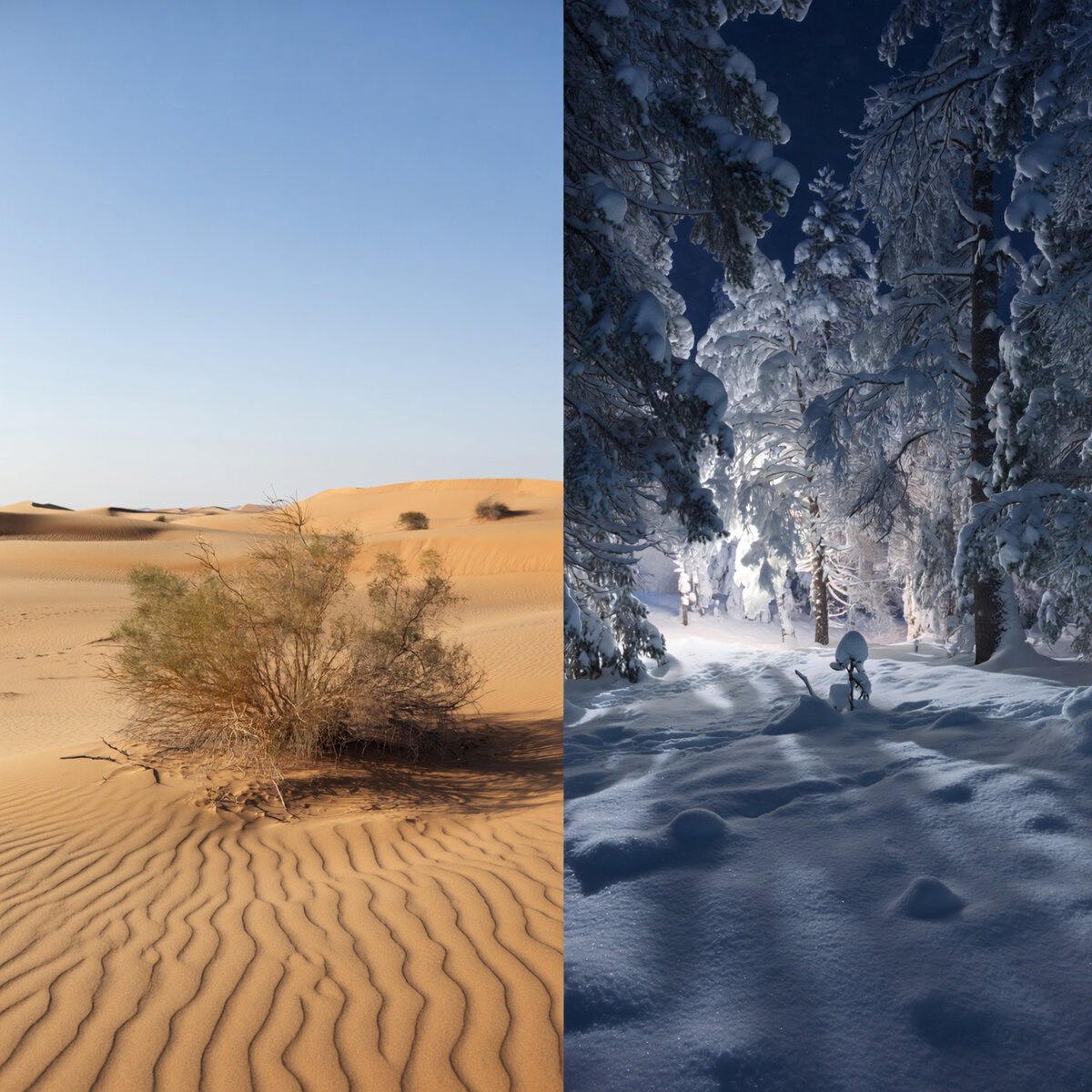
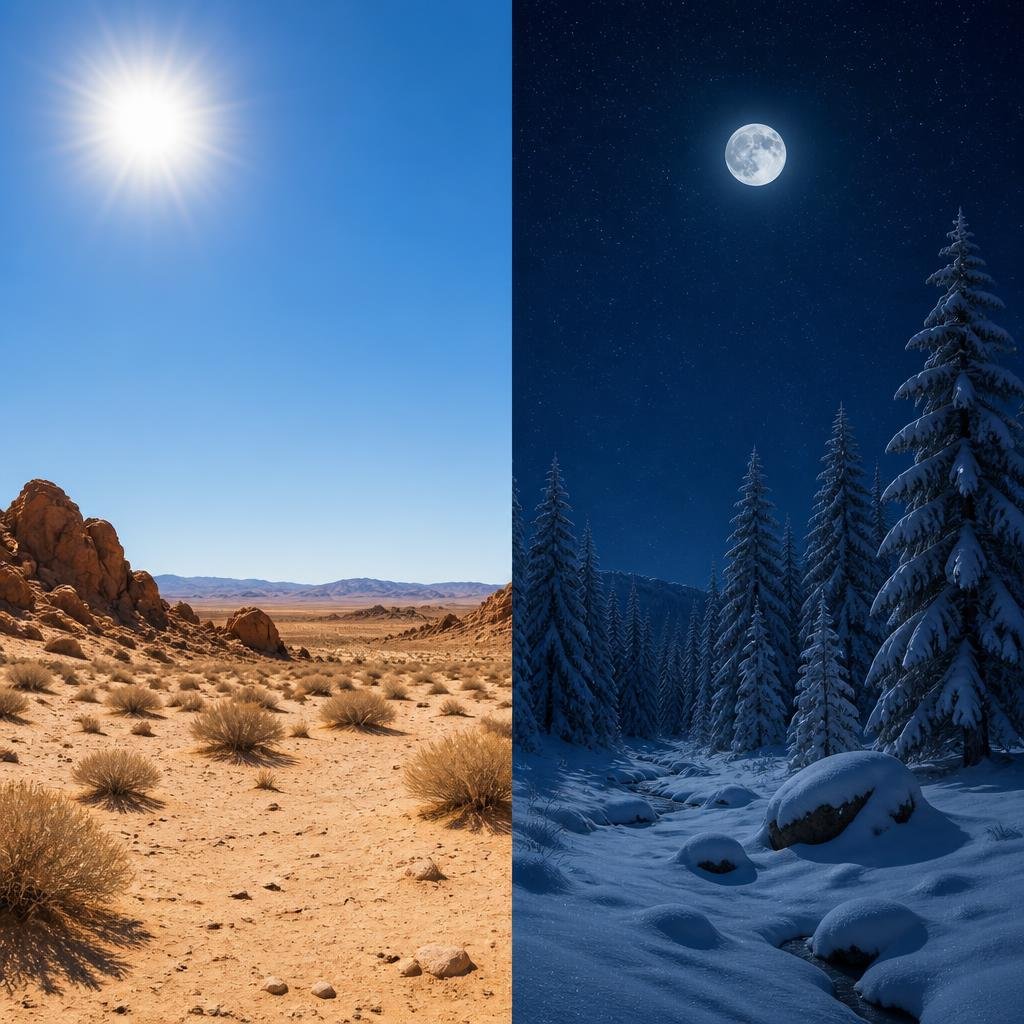
Split scene: desert at noon, snowy forest at night
a split scene: left half desert at noon, right half snowy forest at night, clear vertical divider
A hard multi-clause brief with a divider. The score on each image is that tool’s adherence result out of ten. Top scorer for prompt adherence: Nano Banana 2 at 9.5/10. The number on each image below is that tool’s prompt adherence score, not a per-image rating.
Which generator to run these prompts on
Across all nine prompts, this is how the ten generators averaged, and how many individual prompts each one won outright.
Average category score across the nine prompts
| Generator | Average | Prompts topped |
|---|---|---|
| GPT Image 2 | 9.4 | 5 |
| Nano Banana 2 | 9.4 | 4 |
| Imagine Art | 9.1 | 0 |
| Ideogram | 9.0 | 0 |
| Krea | 8.9 | 0 |
| Kling AI | 8.6 | 0 |
| Pixverse | 8.5 | 0 |
| Leonardo | 8.3 | 0 |
| SeaArt | 7.9 | 0 |
| Piclumen | 7.1 | 0 |
The practical read: GPT Image 2 owns anything involving readable text, and Nano Banana 2 owns hands, instruction-following and anime. If MeiGen lets you pick the model, that choice matters more than the prompt wording. See the full benchmark or the side-by-side of all 90 images.
Three different products are called MeiGen
Search for MeiGen and you will hit three unrelated things. Make sure you are looking at the one you meant.
Which MeiGen is which
| Name | Where | What it is |
|---|---|---|
| MeiGen: AI Art & Video Gallery | Google Play, ai.meigen.app | The one this page is about. Prompt gallery plus credit-based generation, from MeiGen Creative LLC. |
| MeiGen-AI | GitHub | An unrelated research organisation publishing open-source video models — InfiniteTalk, MultiTalk (NeurIPS 2025), PosterCraft (ICLR 2026). Not a consumer app. |
| MeiGen | meigen.art | A different product again: an AI design tool and Figma plugin with its own credit pricing. |
The name is also widely misspelled — maigen ai, migen ai, megan ai all resolve to the same searches. None of the three products above are versions of each other.
Frequently asked questions about MeiGen AI
What is MeiGen AI?
MeiGen is an app from MeiGen Creative LLC that combines a browsable gallery of AI images and videos with the prompt behind each one, plus a credit-based generator for making your own. Browsing the gallery and reading prompts is free; generating images uses credits bought through in-app purchases.
Is MeiGen AI free?
Partly. Its Google Play listing states plainly: “Browsing is free. Generation uses credits, available through in-app purchases.” So you can read every prompt at no cost, but producing images from them is paid.
How do you use MeiGen AI prompts?
Open an image in the gallery, copy the full prompt behind it, choose which model to generate on, then run it. The model choice matters more than most people expect — on our nine test prompts the gap between the best and worst generator was several points out of ten on the same wording.
Which model is best for MeiGen AI prompts?
On our benchmark, GPT Image 2 was strongest on any prompt containing text to be spelled correctly, scoring 9.8 on both text prompts. Nano Banana 2 was strongest on hands (9.7), instruction-following (9.5) and anime. Both averaged 9.4 overall.
Is MeiGen AI the same as MeiGen-AI on GitHub?
No. MeiGen-AI on GitHub is an unrelated research organisation publishing open-source video generation models such as InfiniteTalk and MultiTalk. The consumer app is from MeiGen Creative LLC. A third product, at meigen.art, is a separate AI design tool again.
Can I use these prompts on other AI image generators?
Yes. Every prompt on this page is plain text with no tool-specific syntax, which is exactly why we could run each one through ten different generators unchanged. The results under each prompt show what each model did with identical wording.