ALL REVIEWS · Updated September 2026
AI image generator and app reviews
Ten AI image models benchmarked on the same nine prompts, with every image behind the score published, plus reviews of the apps that sell access to them. We sell none of the tools we review.
AI Image Generation reviews
Every tool ran the same nine-prompt suite on default settings, first output kept, every image published. Ranked by overall score.
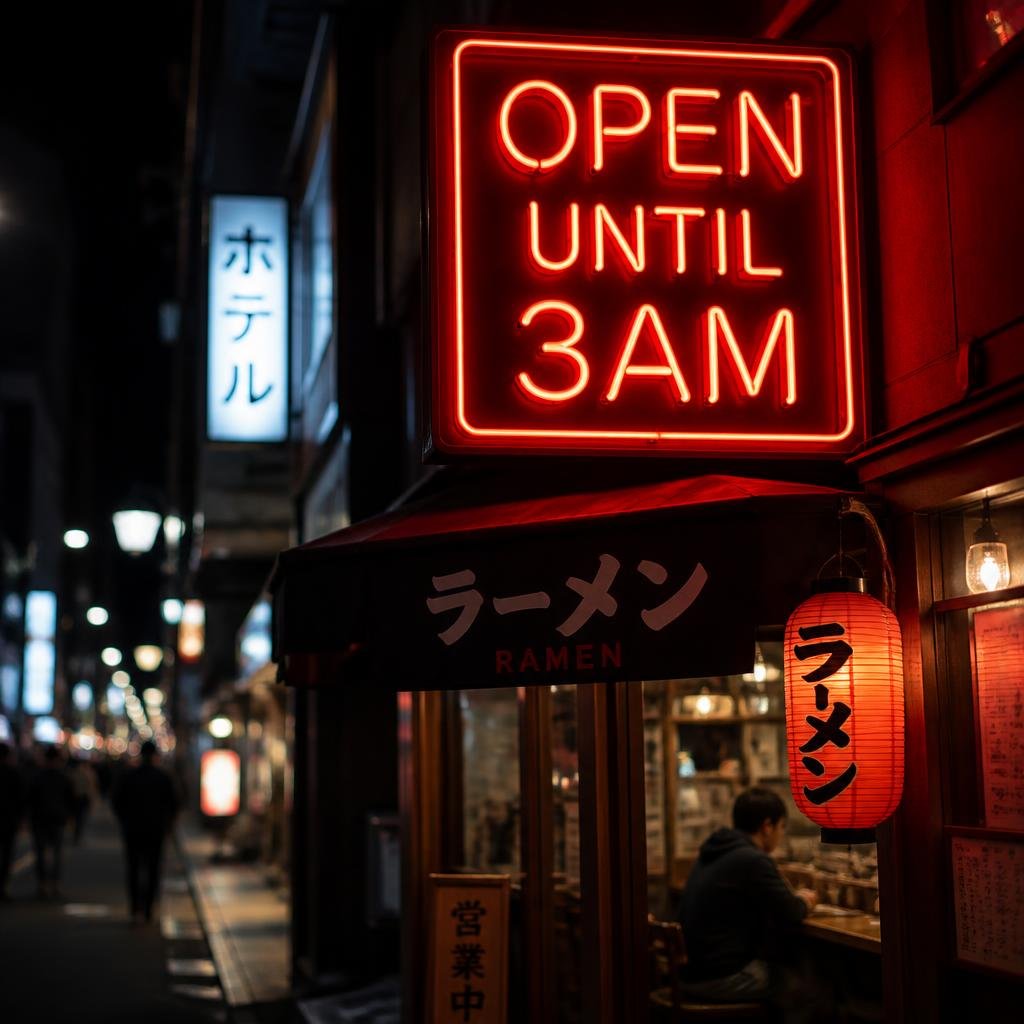 #19.4
#19.4GPT Image 2
Overall #1The one to beat, and it is not close. Point it at a label, a logo, or a shop sign and the words come out right, the single hardest thing for these models, and its product shots scored a flawless ten.
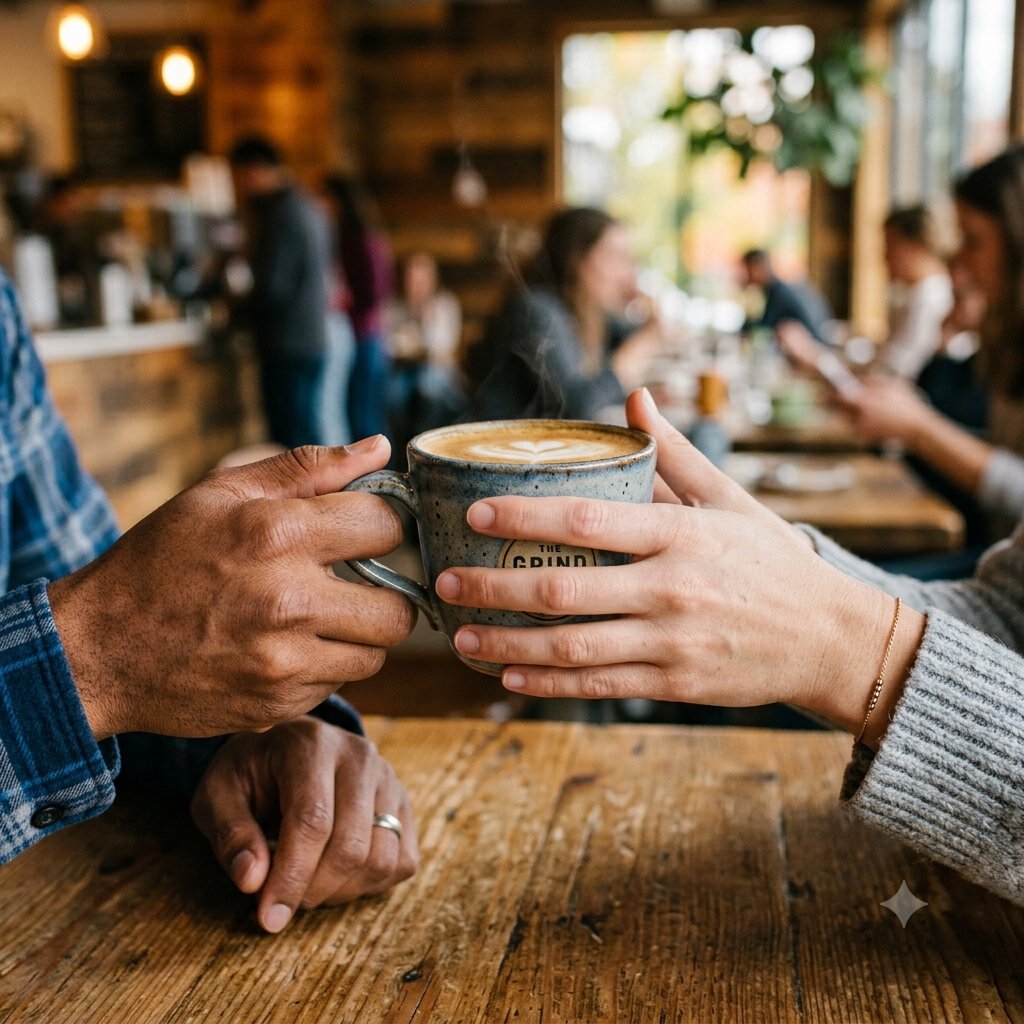 #29.4
#29.4Nano Banana 2
No weak spotThe most complete tool in the test: it never dropped below strong in any category, and it is free. Where GPT Image 2 wins on text, this wins on breadth, and it reads Japanese signage correctly, which almost nothing else did.
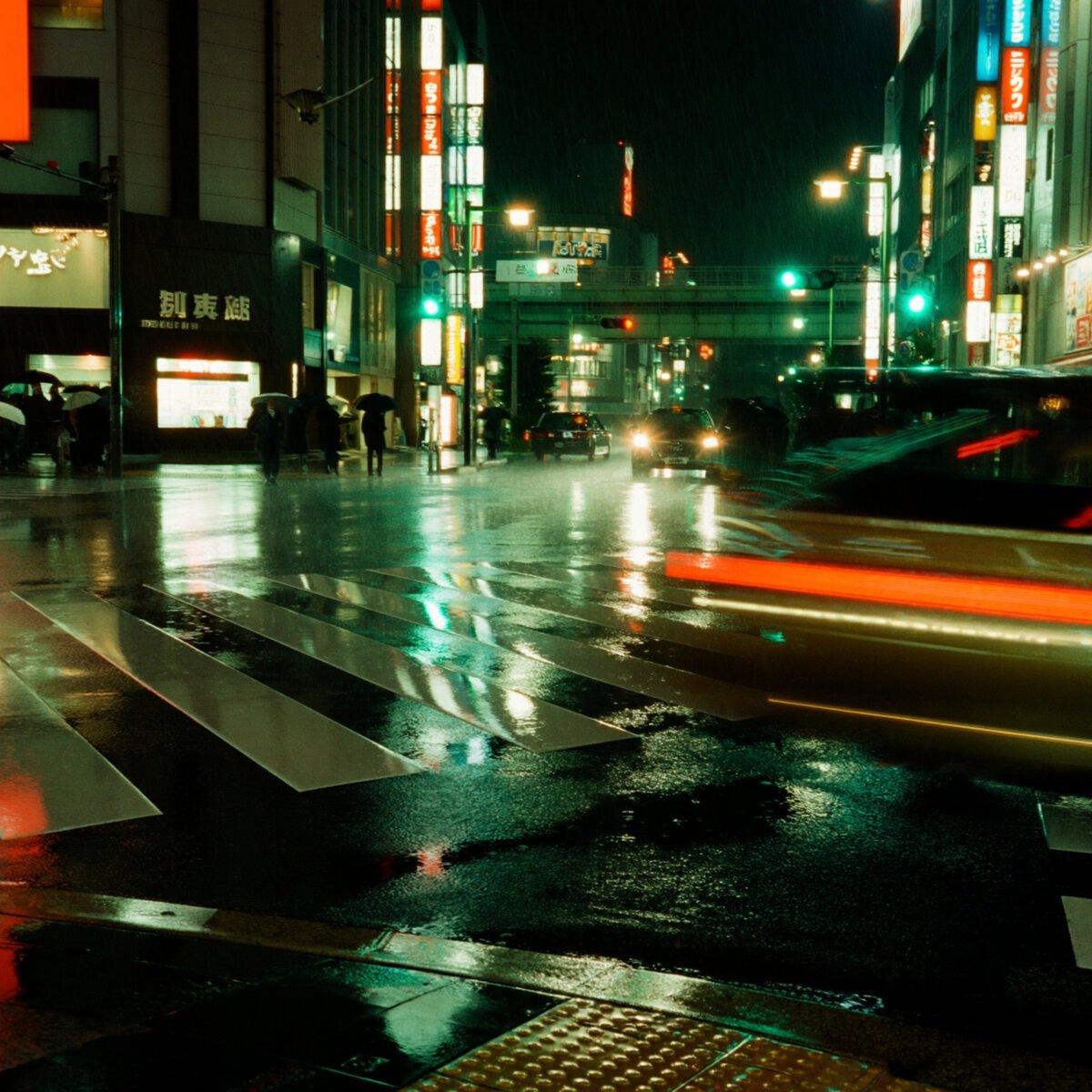 #39.1
#39.1Imagine Art
Product & photorealElite product photography and gallery-grade photorealism, with the best wet-street reflections and neon of any tool we tested, and the cleanest primitive geometry on spatial prompts.
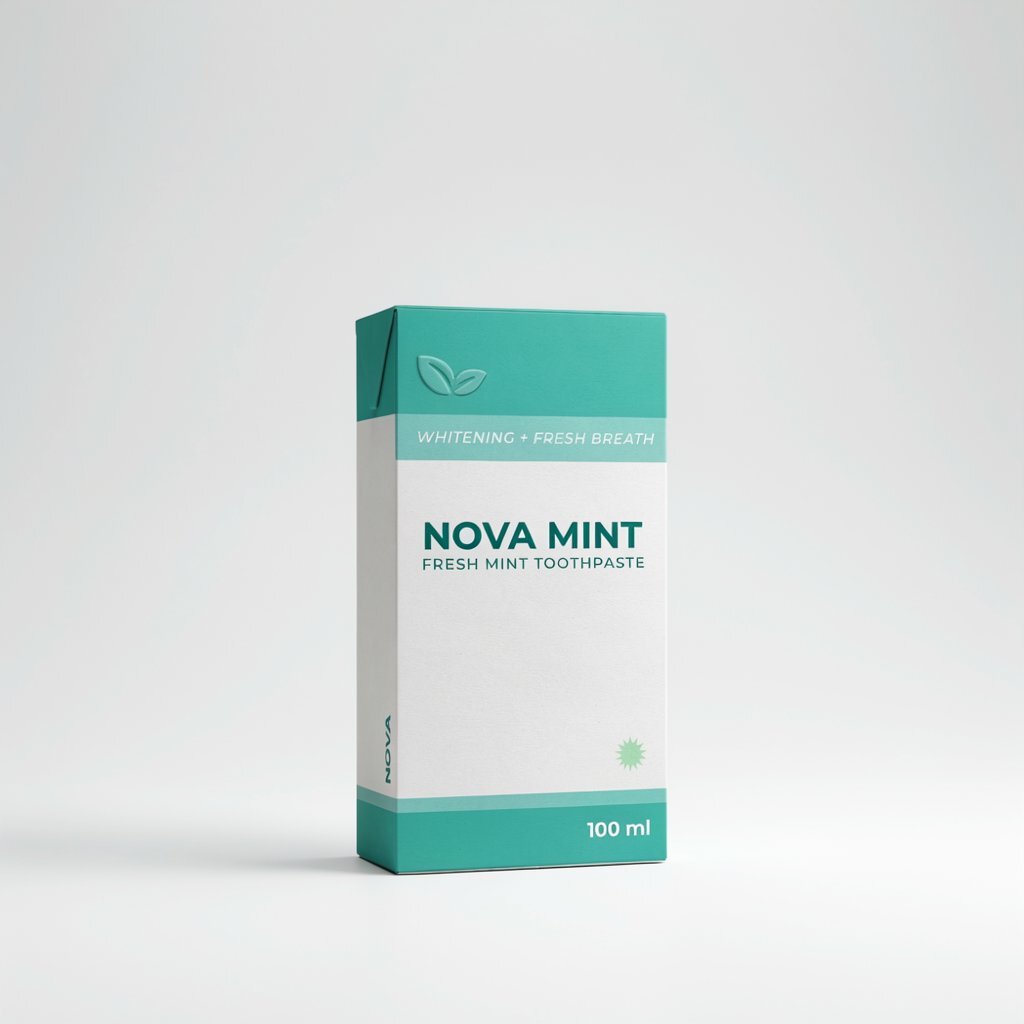 #49.0
#49.0Ideogram
Text specialistThe text specialist that is elite at product too. It rendered a full retail label set, spine text included, where most tools garble on every surface.
 #58.9
#58.9Krea
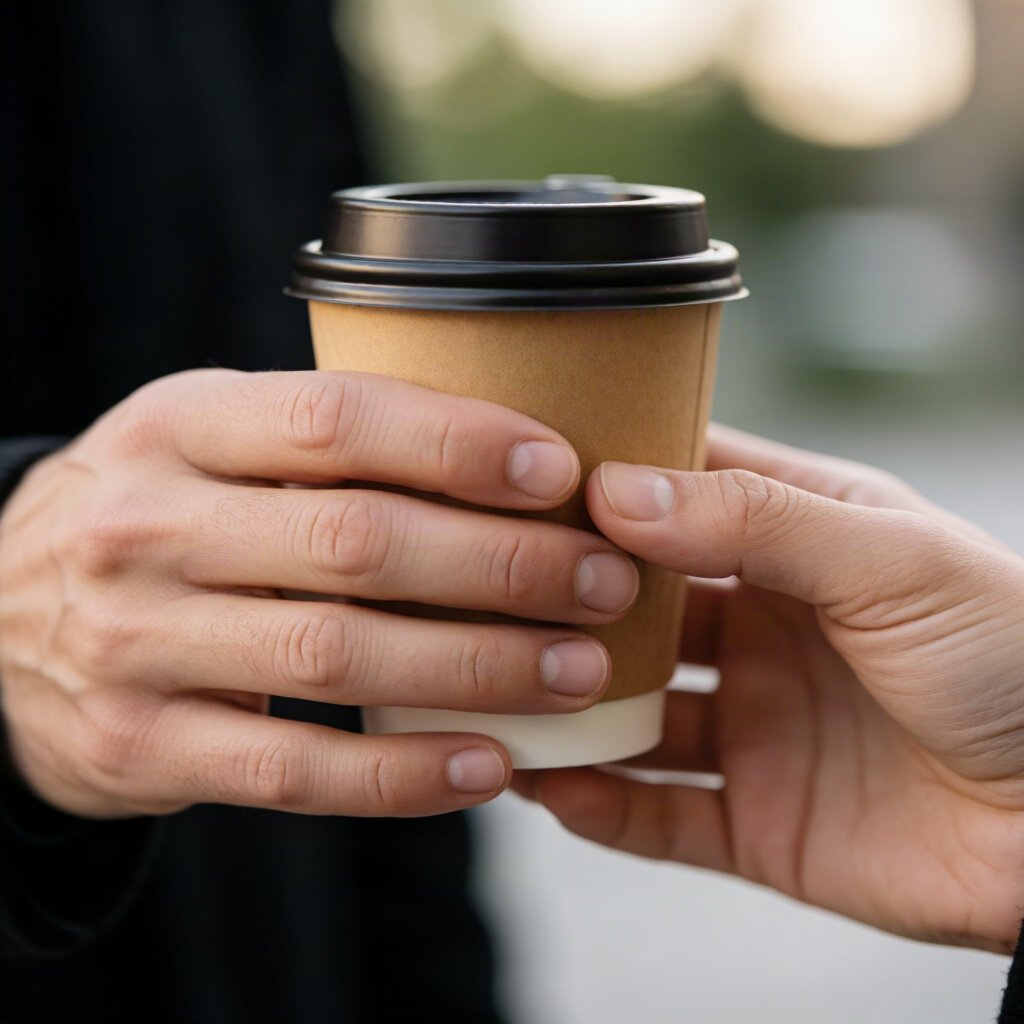
Best handsA strikingly consistent all-rounder with the best hands in the benchmark, a genuine two-person cup exchange with correct finger counts and clean proportions.
 #68.6
#68.6Kling AI
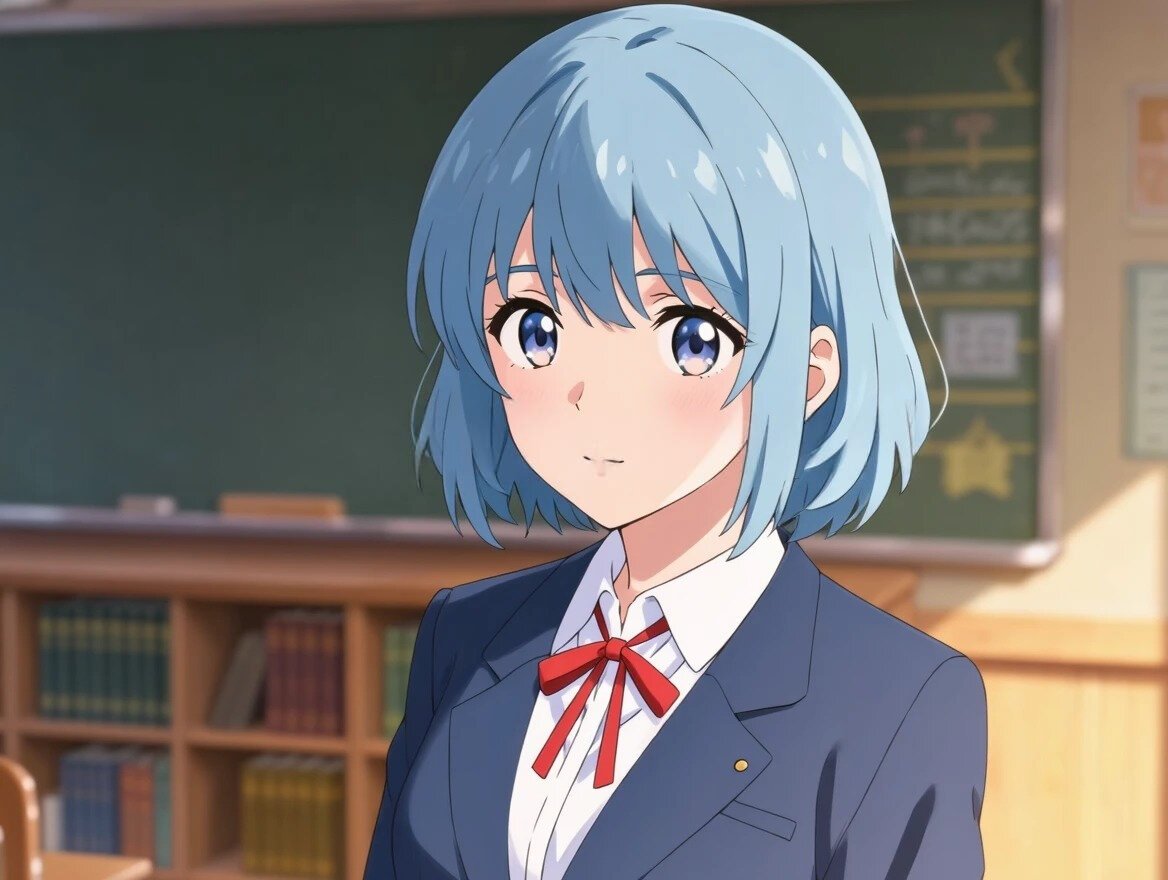
Anime & layoutsStrong anime, photoreal and spatial layouts, with a genuine polished cel-shaded illustration and a true square-based pyramid on the shapes prompt.
 #78.4
#78.4Pixverse
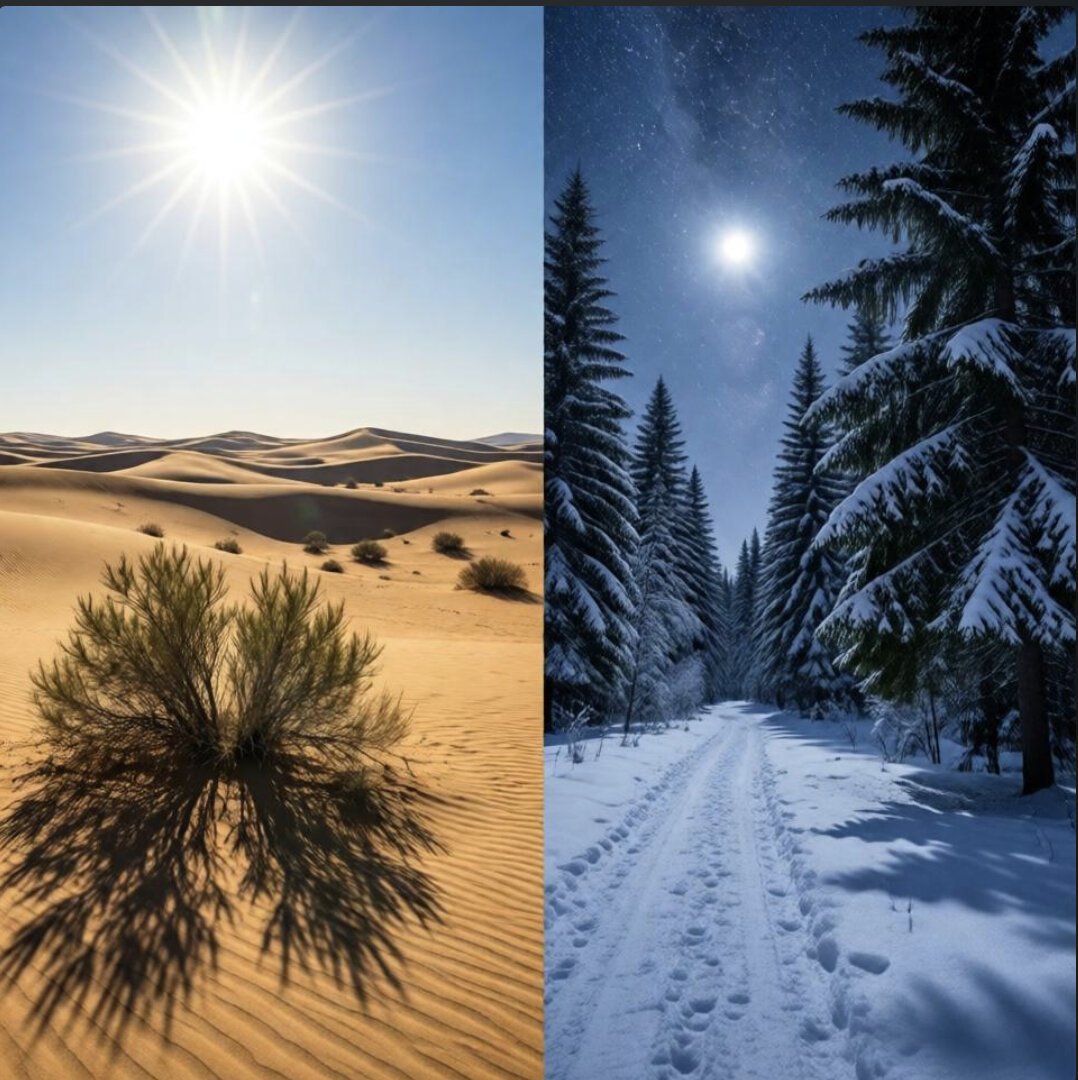
Spatial precisionA video tool whose image mode excels at precision, with the best split-scene render in the test and a serum drop caught suspended mid-fall.
 #88.3
#88.3Leonardo
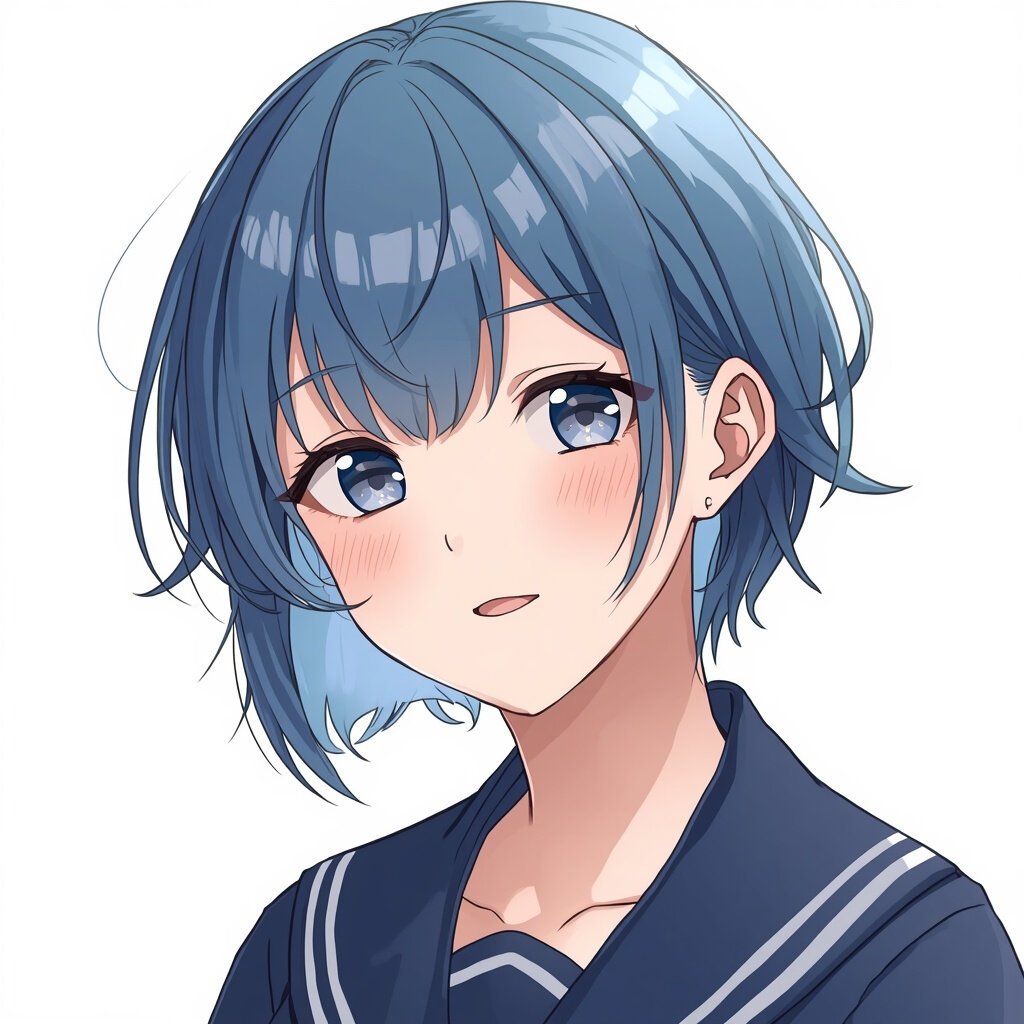
Best animeA specialist with the best anime in the whole benchmark, genuine soft cel shading and an authentic uniform, plus the only image to render actual falling rain.
 #98.0
#98.0SeaArt
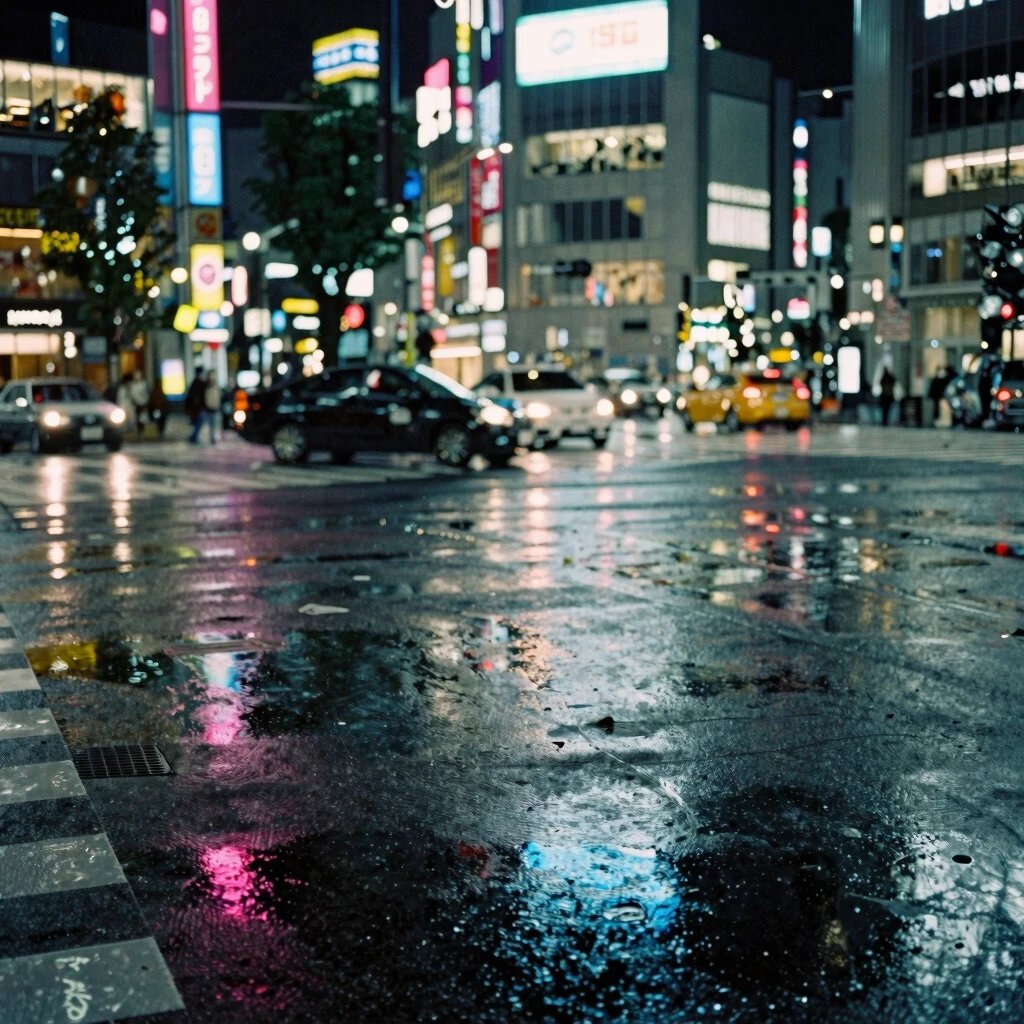
Instruction-followingA precise photoreal all-rounder that leads on raw instruction-following, and the only tool to render an actual Tokyo crossing with a real crosswalk.
 #107.1
Piclumen
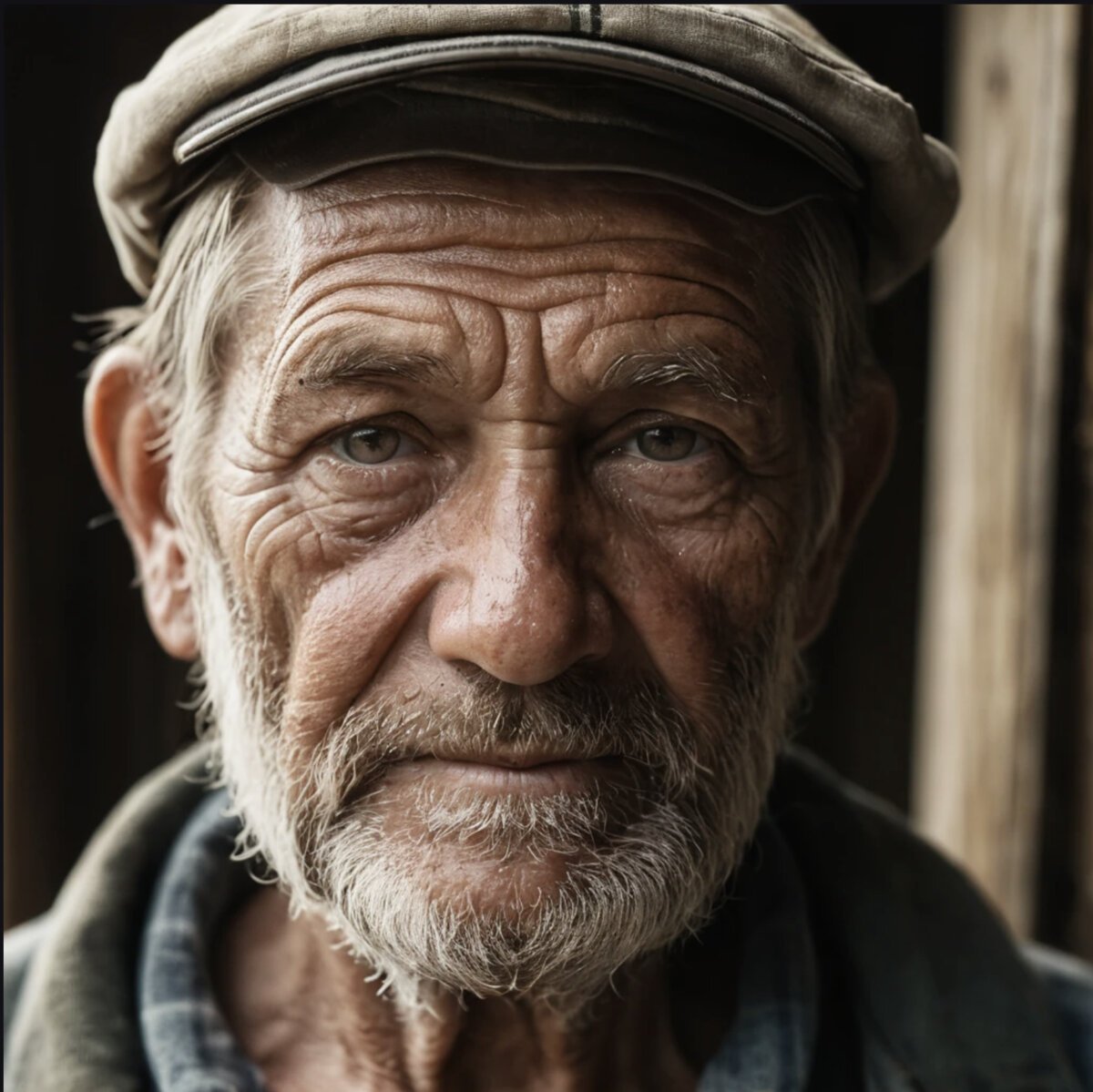
Free tierBeautiful, mood-driven images on a genuinely free tier, undone by garbled text and broken precision, no pyramid on the shapes prompt and both halves snowy on the split scene.
App and platform reviews
The apps and studios people ask about, which often run the same models we benchmark. We check what you actually get: the real price, the free-plan catch, the licence and whose model is doing the work.
Vheer AI
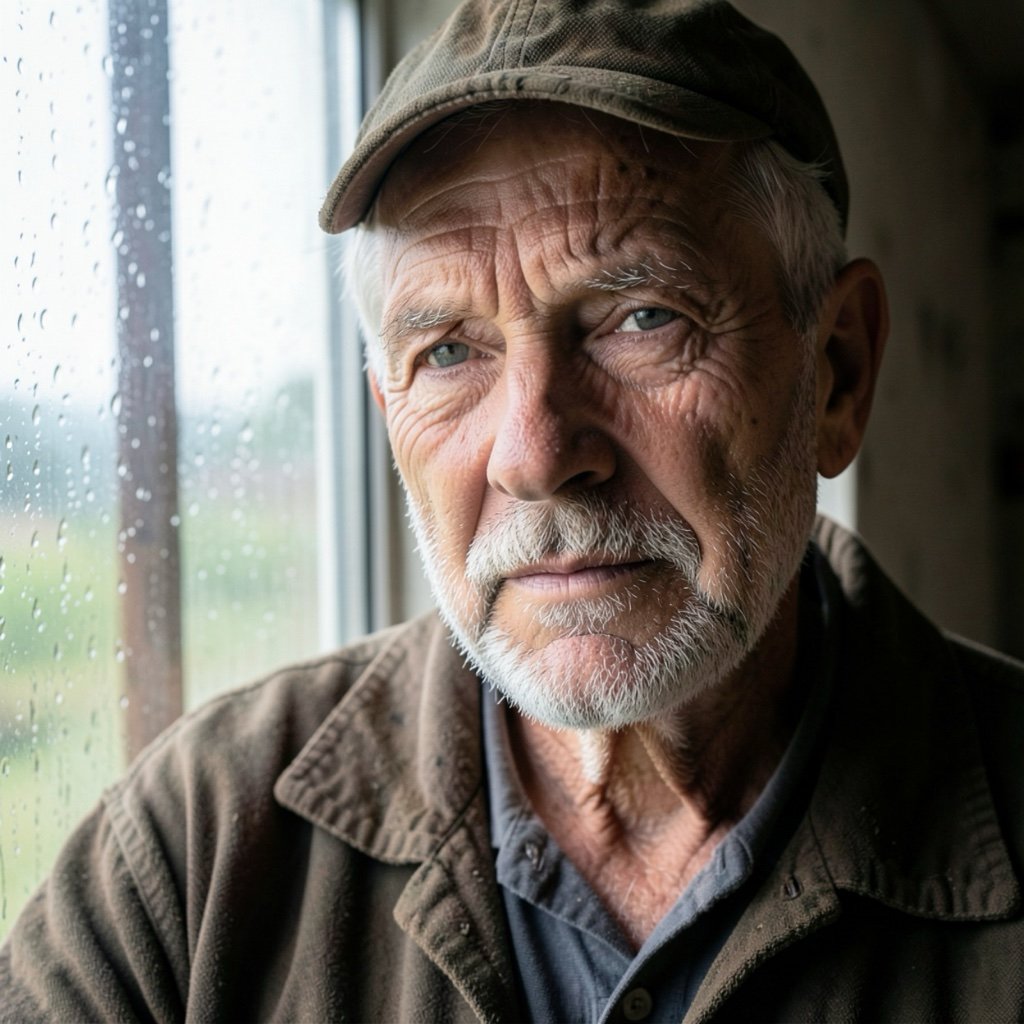
Free image & video suiteIts own model made seven unwatermarked 1248px images and a short video for us with no account. Every other model costs credits, free images are personal-use only, and files are deleted after 6 hours.
Read the full review →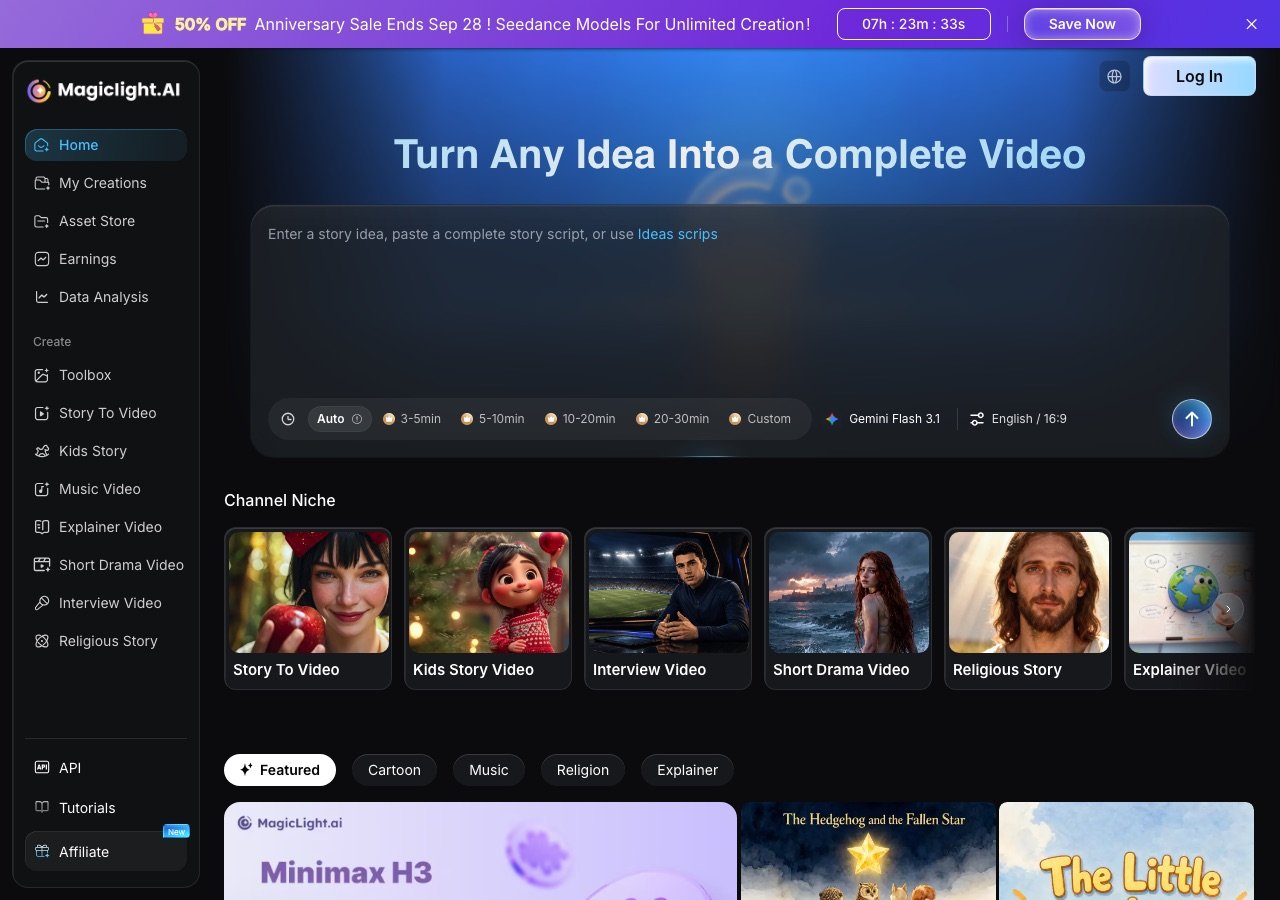
MagicLight AI
Long-form AI videoStory-to-video up to 50 minutes. The free trial is one or two videos behind a login, monthly plans carry fewer credits than yearly, and a minute of story video costs about 60 credits.
Read the full review →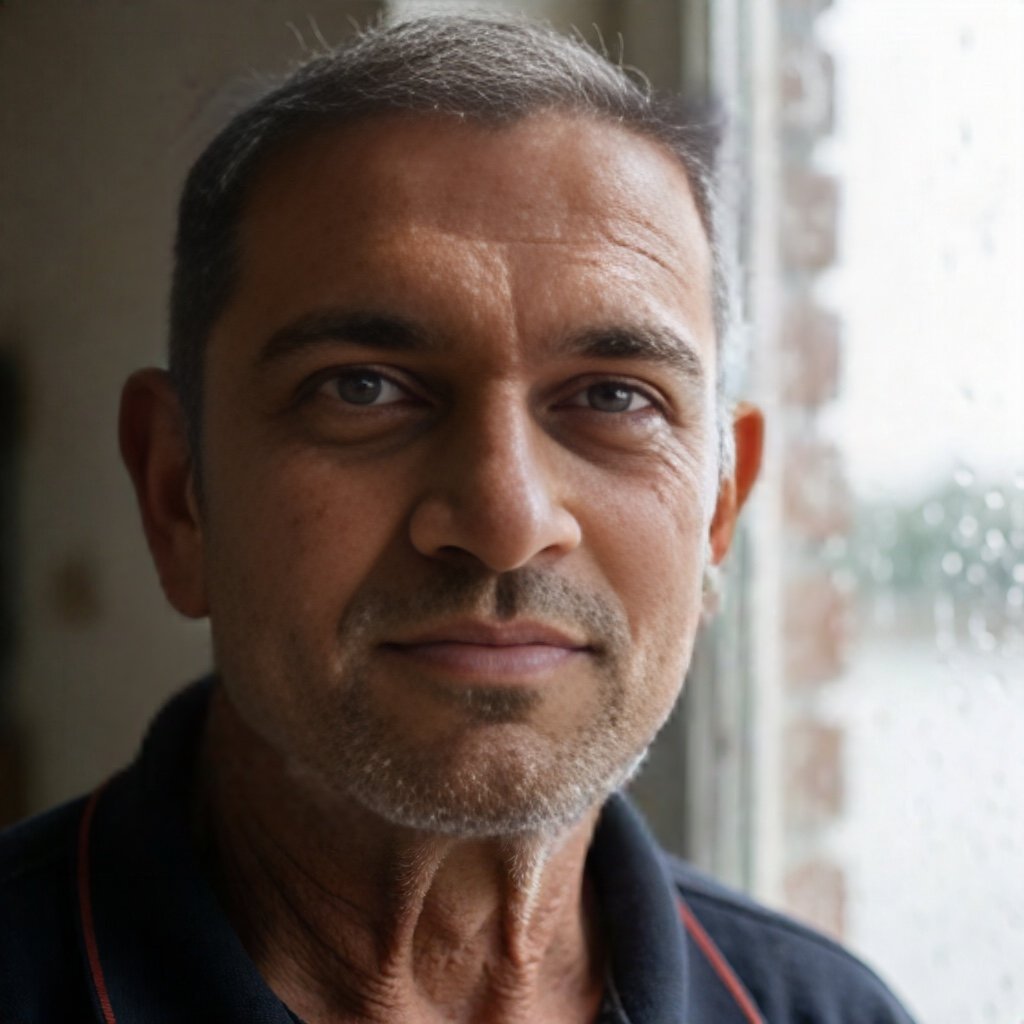
Remaker AI
Face swap suiteThe photo face swap ran for us with no account and no watermark, twice, before the login wall. One-time credit packs from $5.99 that you can only pay for with crypto or through Telegram.
Read the full review →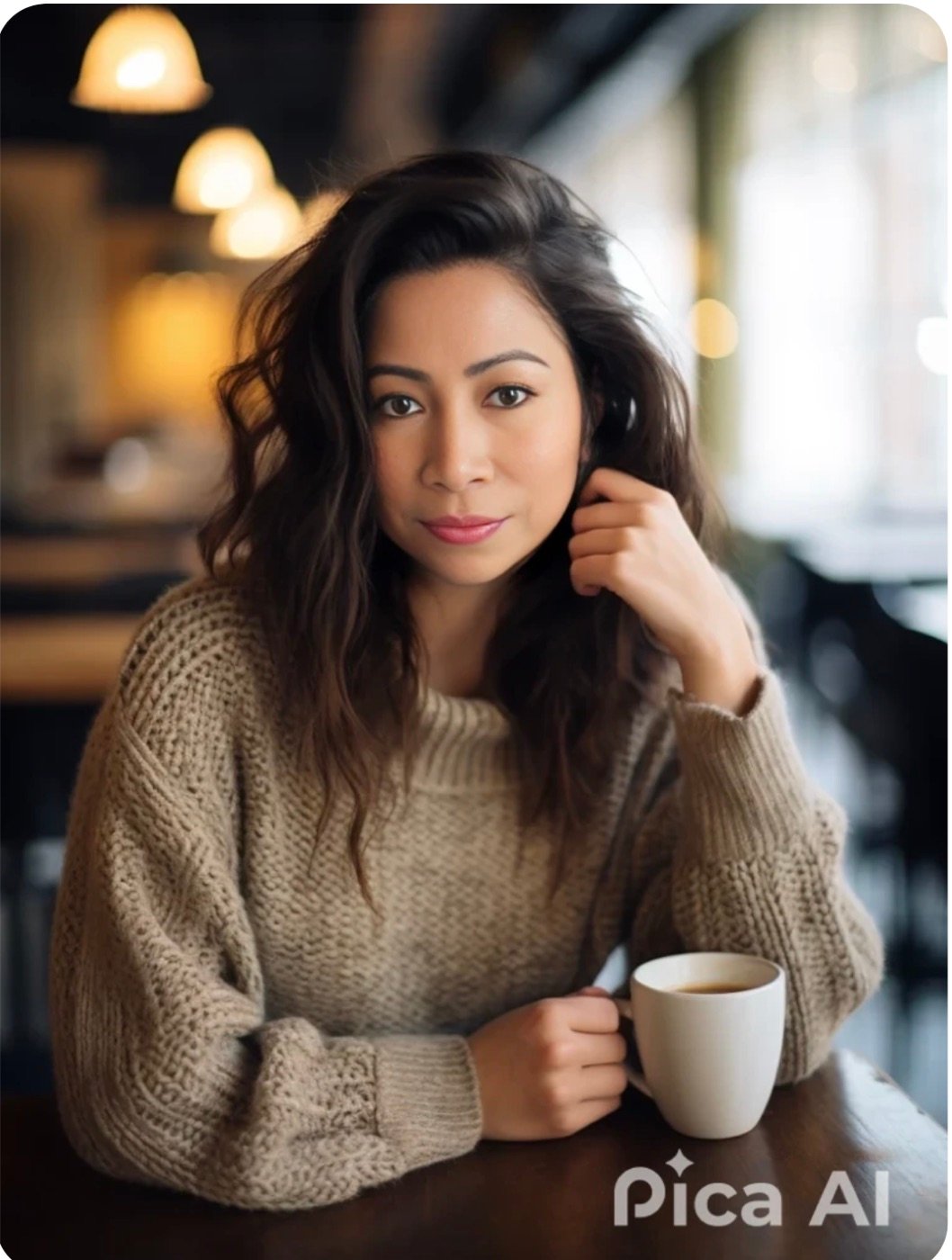
Pica AI
Face swap & headshotsNot a text-to-image generator: a face-swap, headshot and photo-repair app. We tested all four tools; two of them are provided by Artguru, and free results are watermarked.
Read the full review →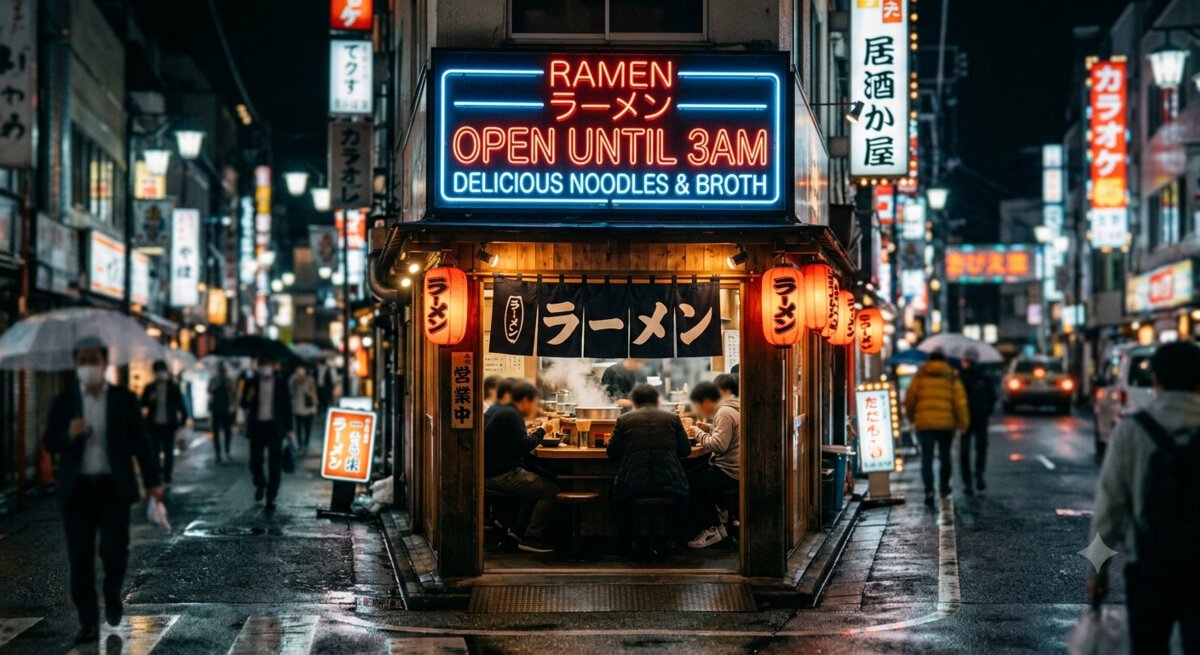
Getimg.ai
Model aggregatorA workspace that resells the same models we benchmark, Nano Banana and GPT Image among them. Worth it for teams that want many models on one bill; not for image quality alone.
Read the full review →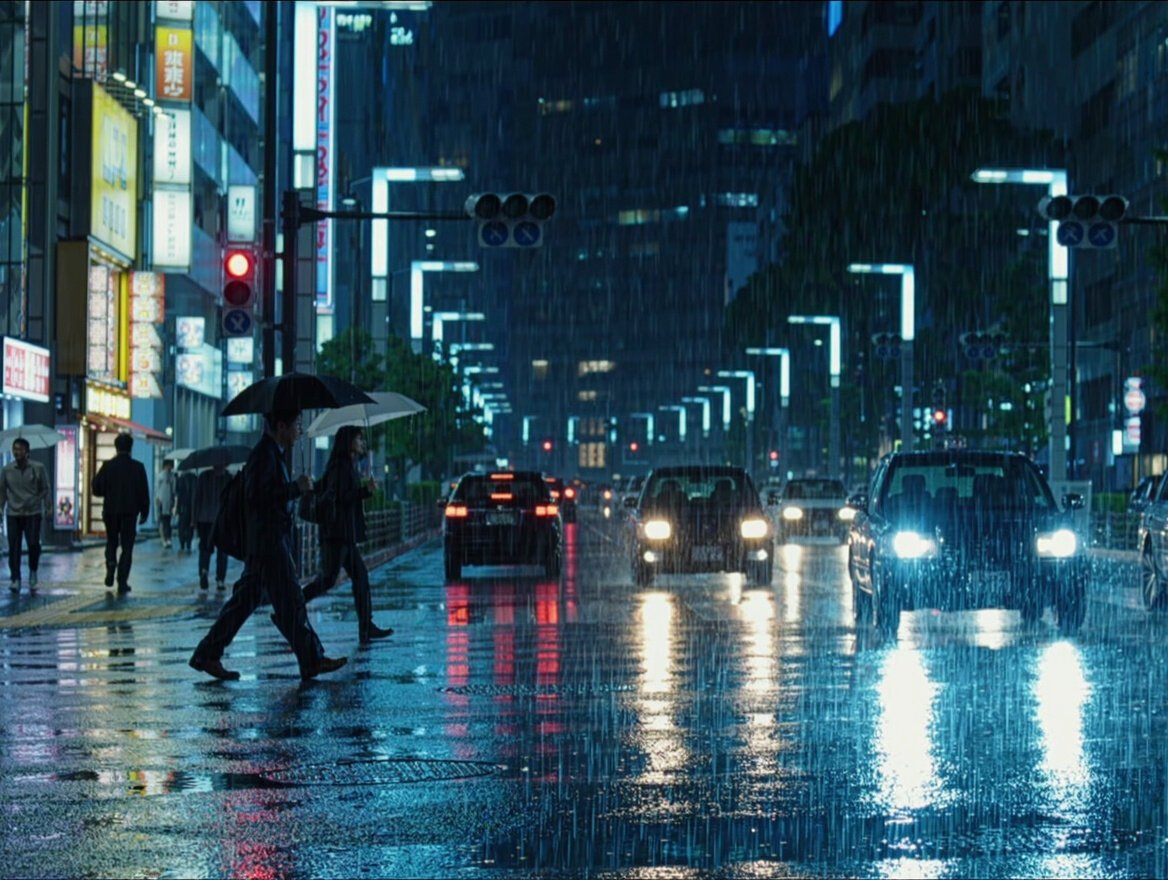
Dreamina
ByteDance studioHome of ByteDance’s Seedream and Seedance models. Free daily credits, but free outputs are watermarked, resolution-capped and licensed for personal use only.
Read the full review →