GPT Image 2 is the best AI image generator for text, scoring 9.8 out of 10. It is the only tool that reliably renders full product labels, including small spine text and multi-word signage. Ideogram (9.2) is the runner-up and the best free option for text. Nano Banana 2 (9.0) rounds out the top three. Everything else scored below 9, and the bottom two tools (SeaArt and PicLumen, both 6.3) failed outright on most text.
The best AI image generators for text rendering in 2026 are GPT Image 2 (9.5/10 text score) and Ideogram (9.2/10). Both render multi-word phrases accurately on the first attempt. Diffusion-based tools like DALL-E 3 and Stable Diffusion still produce garbled text.
Pipgen benchmark, 10 tools, 90 images, August 2026Every AI image generator ranked on text rendering
These scores come from two text-specific prompts in our nine-prompt benchmark: a neon sign reading "OPEN UNTIL 3AM" above a ramen shop, and a product box for "NOVA MINT" toothpaste with printed brand text. Both test whether a tool can place correct, legible words into a scene on the first try.
| # | Tool | Text score | Overall | What happened |
|---|---|---|---|---|
| 1 | GPT Image 2 | 9.8 | 9.4 | Perfect neon sign, correct product label including fine print |
| 2 | Ideogram | 9.2 | 9.0 | Clean neon sign, correct brand name, minor small-print issues |
| 3 | Nano Banana 2 | 9.0 | 9.4 | Correct neon text, good product label, slight edge softness |
| 4 | Imagine Art | 8.7 | 9.1 | Readable neon, brand name correct but secondary text drifted |
| 5 | Krea | 8.2 | 8.9 | Short text fine, longer phrases started garbling |
| 6 | Kling AI | 7.8 | 8.6 | Headline word correct, anything beyond garbled |
| 7 | Pixverse | 7.5 | 8.4 | Partial spelling on neon, product text mostly unreadable |
| 8 | Leonardo | 7.3 | 8.3 | Garbled neon lettering, product box text melted |
| 9 | SeaArt | 6.3 | 8.0 | Near-random glyphs on most surfaces |
| 10 | PicLumen | 6.3 | 7.1 | Text treated as decoration, not language |
The 3.5-point gap between first and last is the second widest of any category in our benchmark (only hands, at 3.7, is wider). Text rendering is where these tools diverge the most sharply, and it is the single easiest way to tell a frontier model from a mid-tier one.
The neon sign test: "OPEN UNTIL 3AM" across all 10 tools
We gave every tool the exact same prompt: a neon sign reading "OPEN UNTIL 3AM" above a ramen shop. This is the single most revealing text test — three words, mixed case, a number. Here is every first-generation result, unedited.
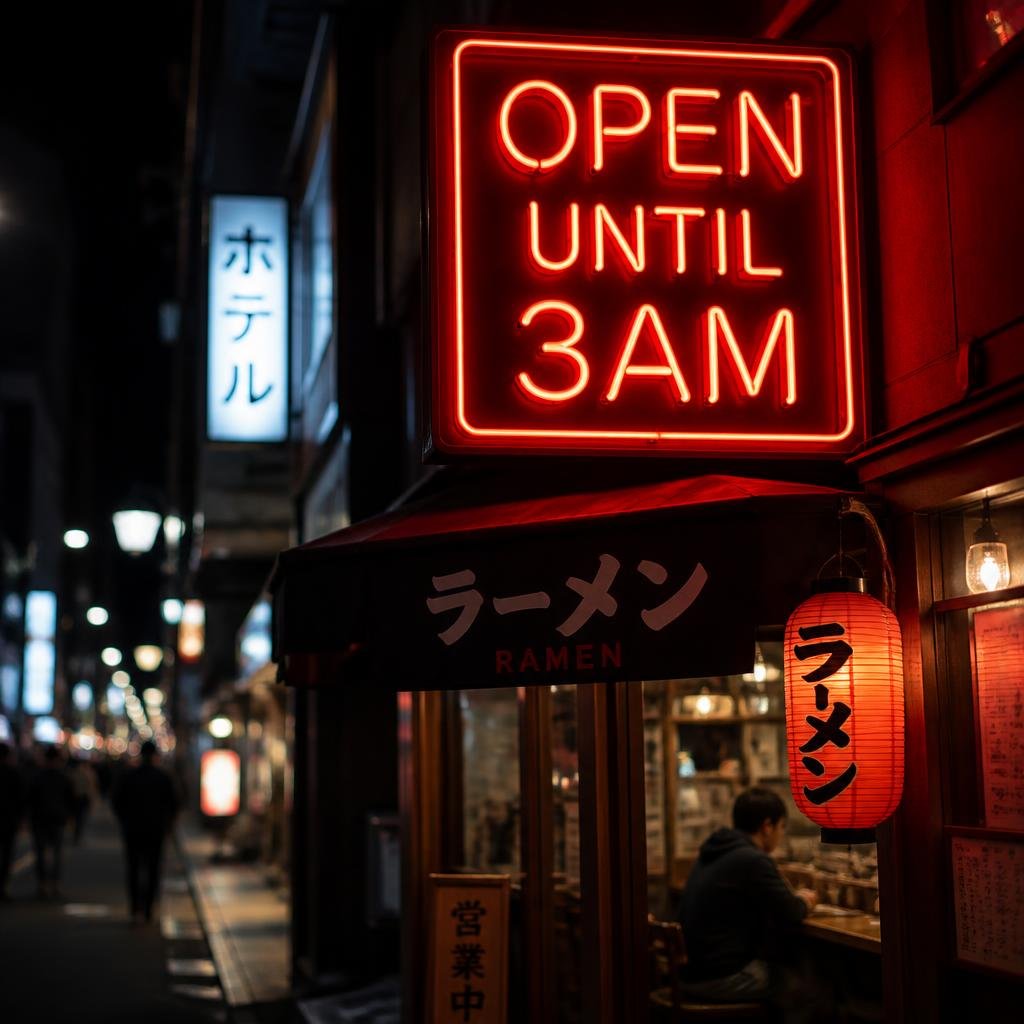
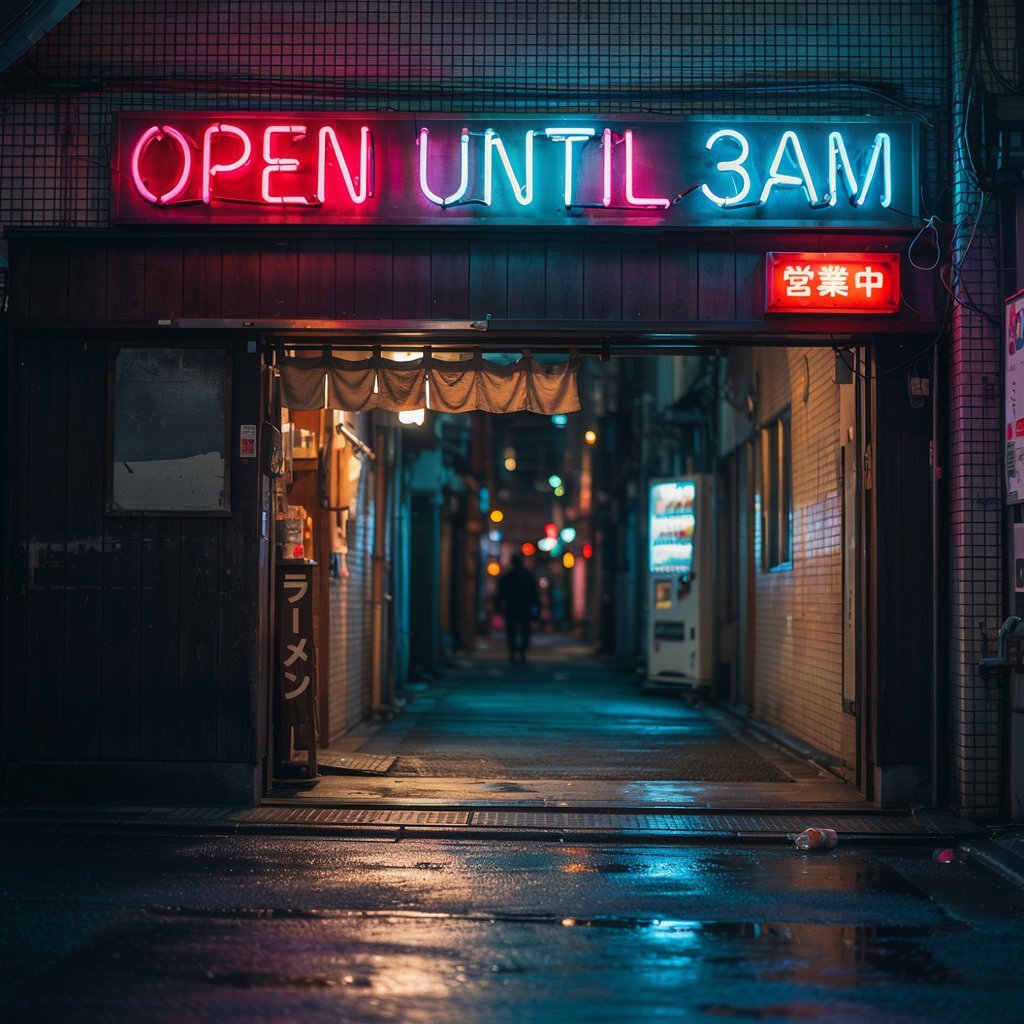
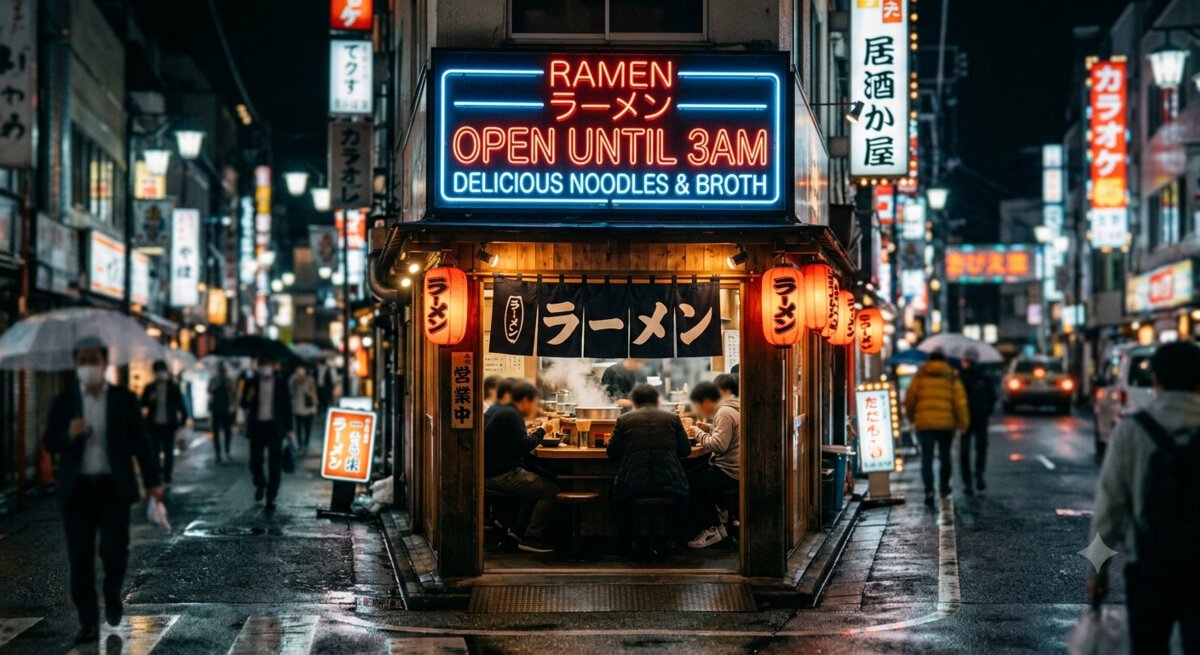
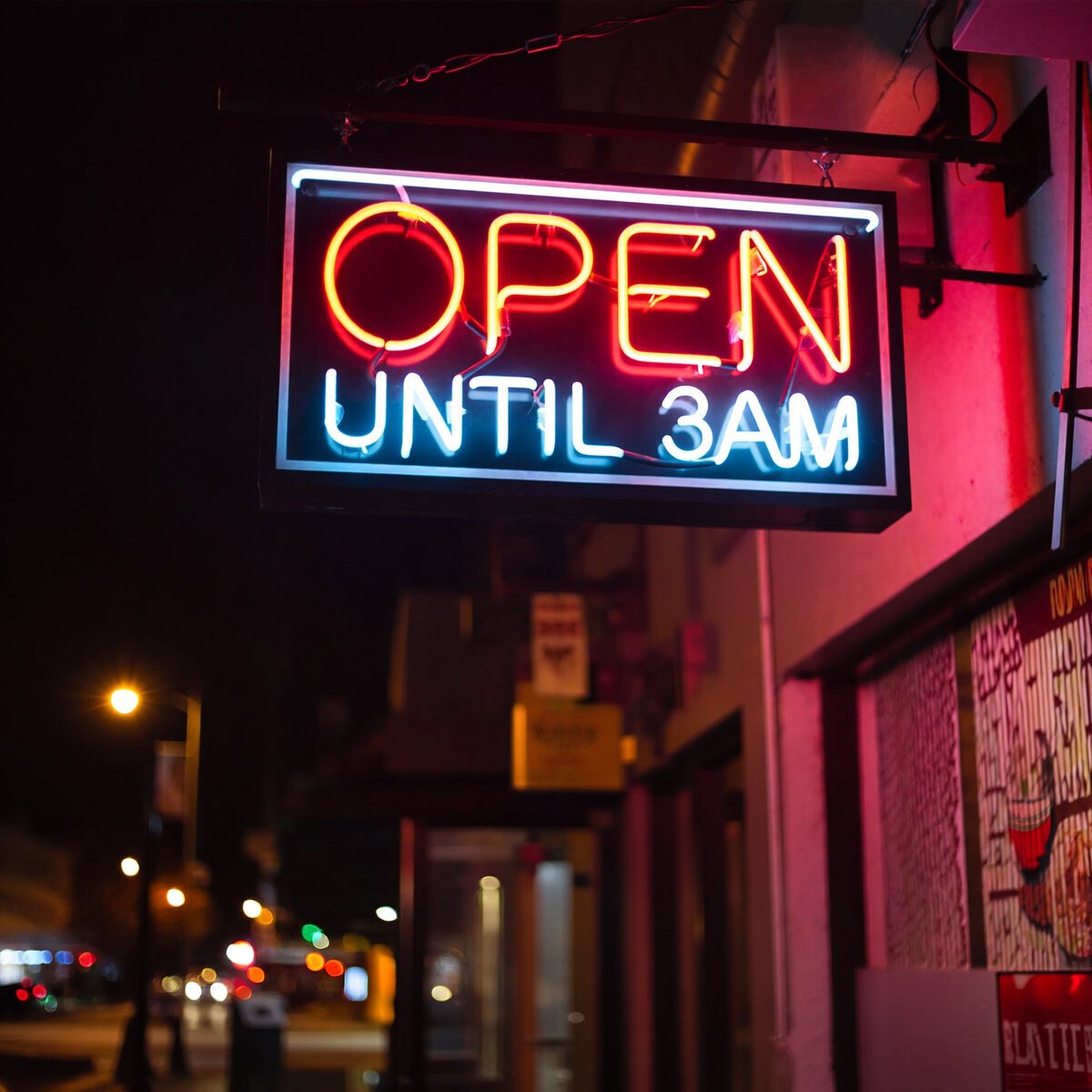
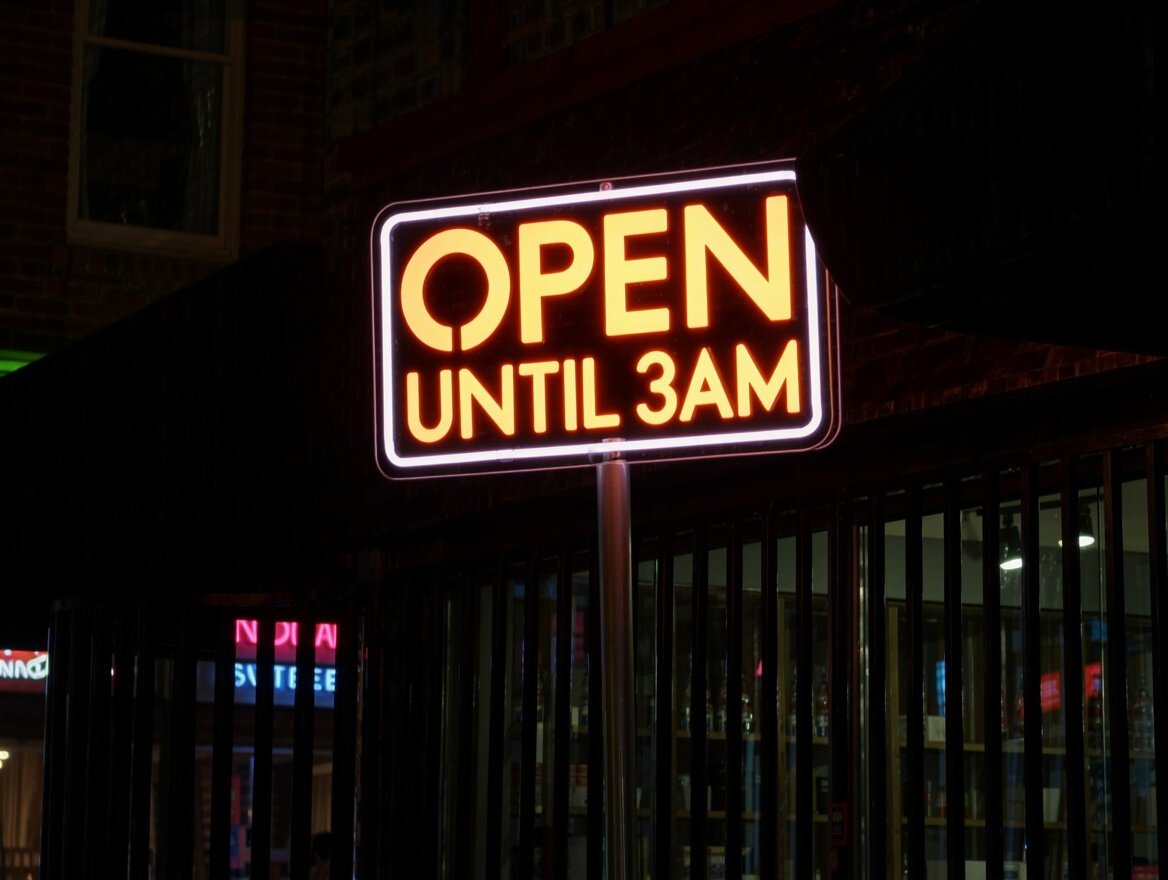
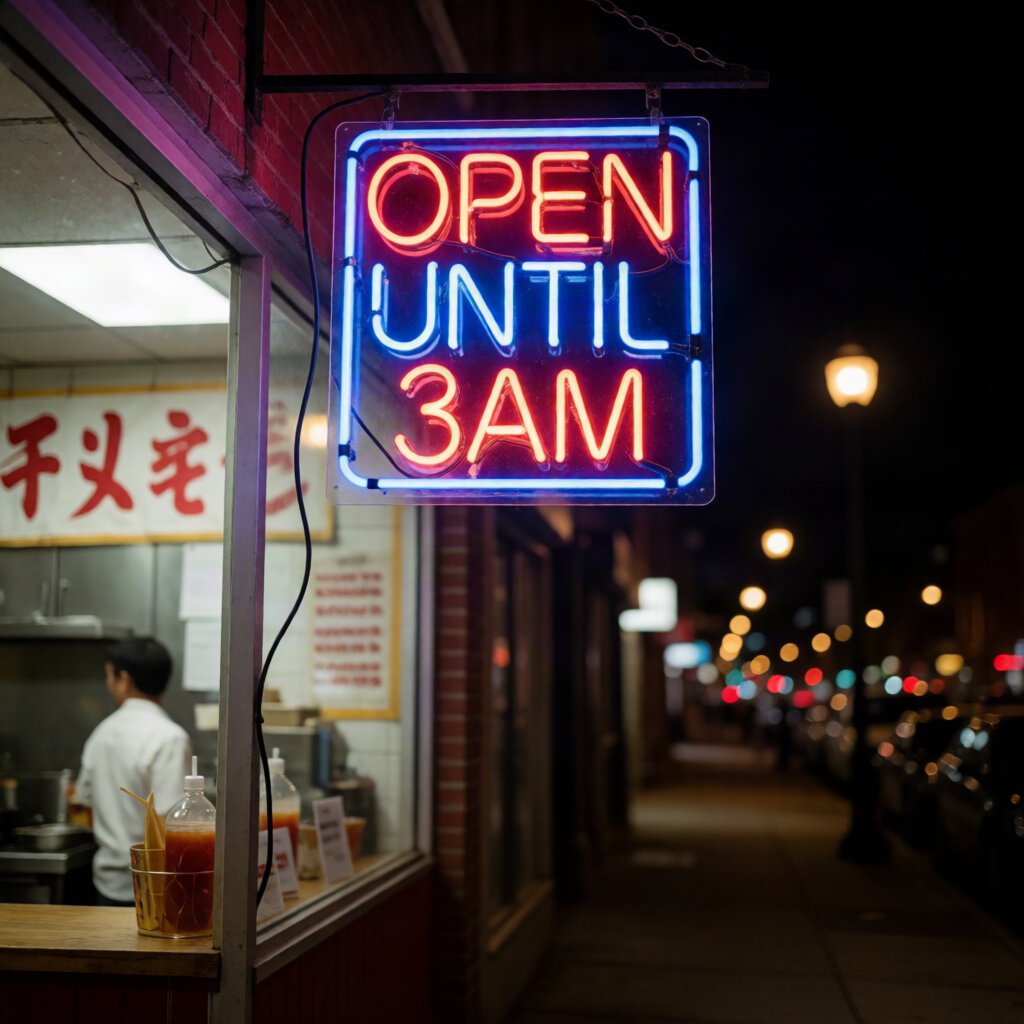
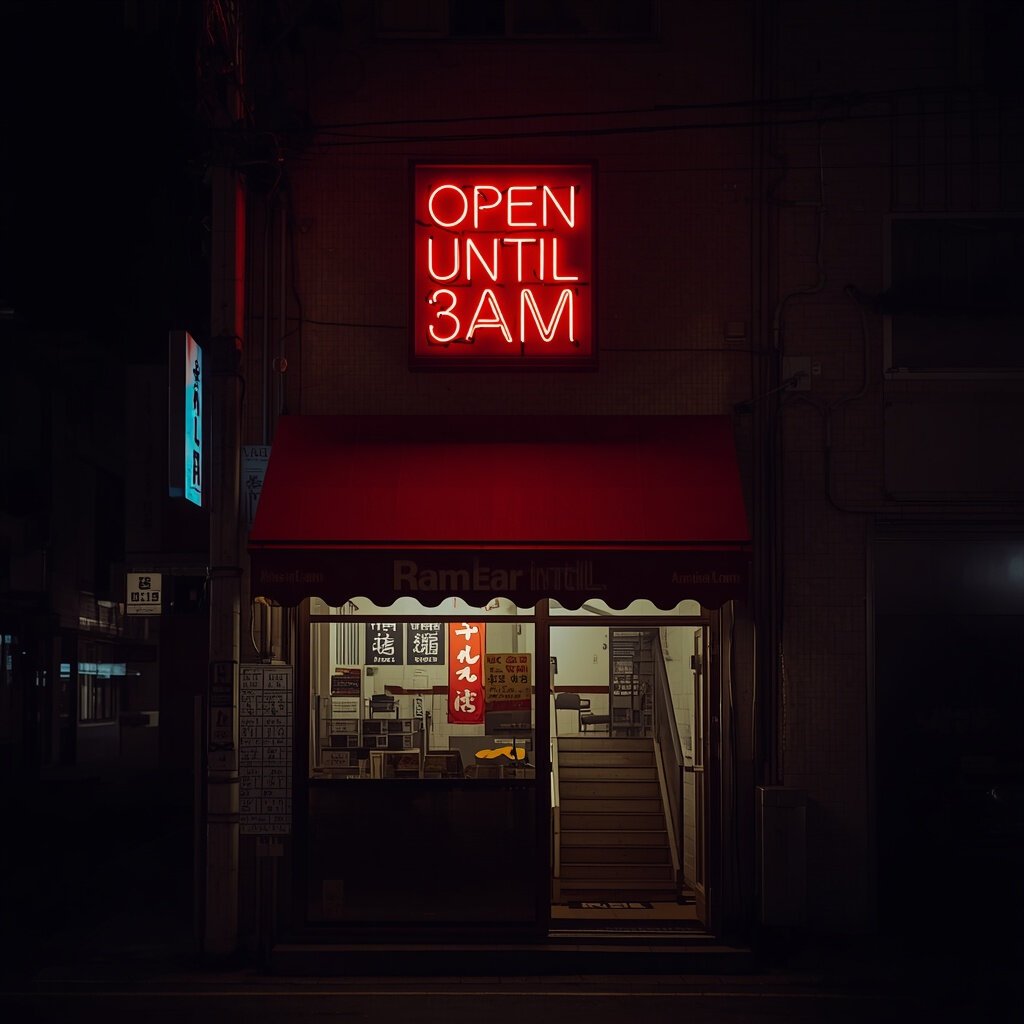
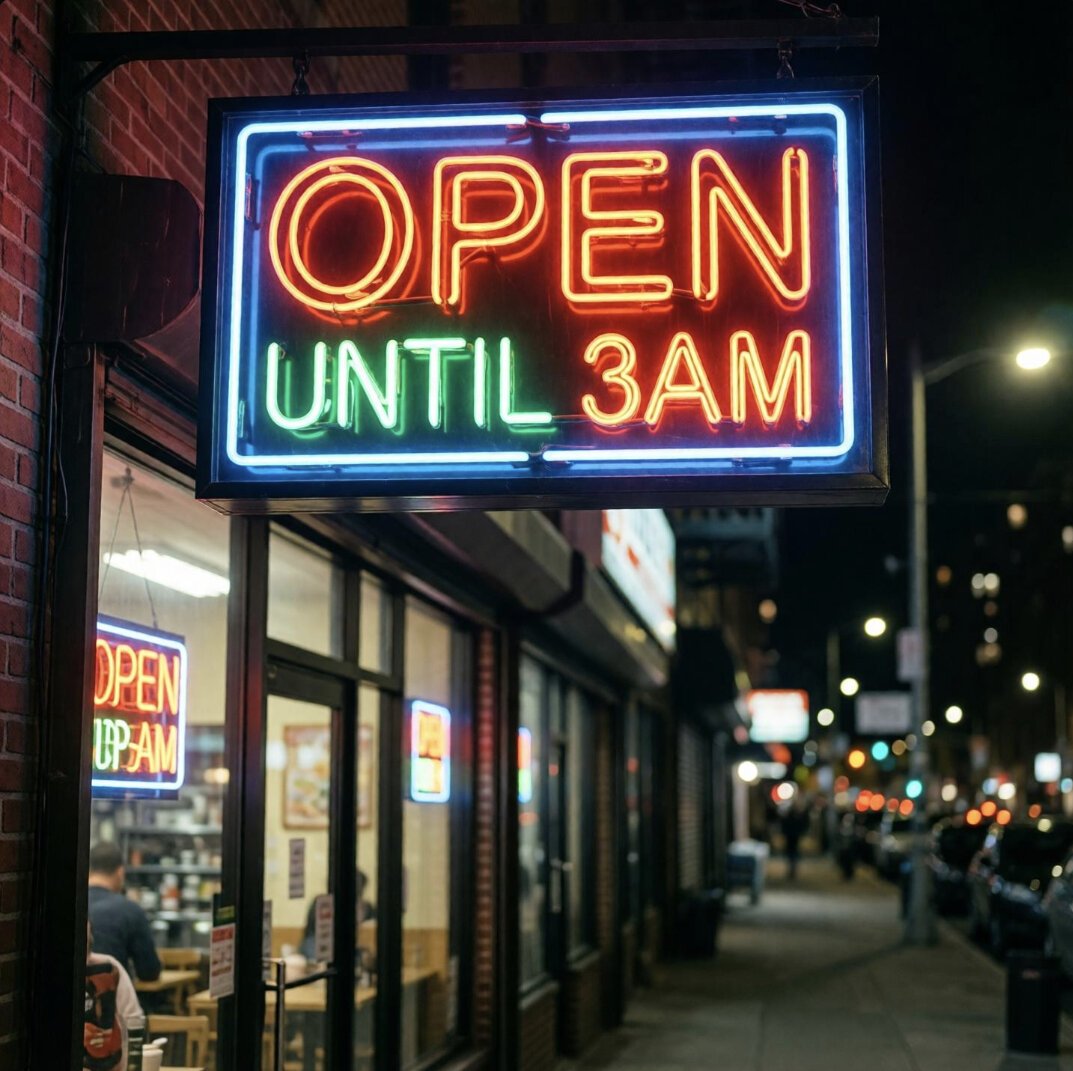
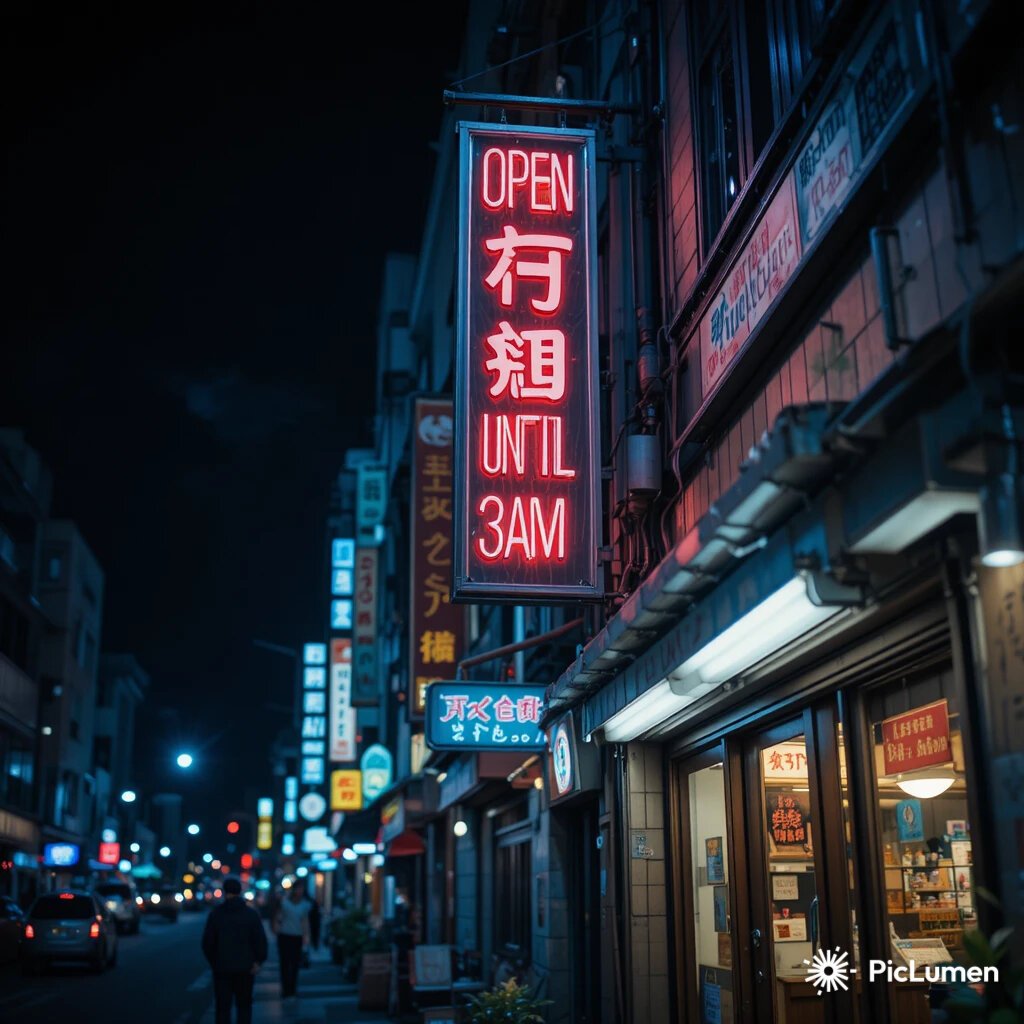
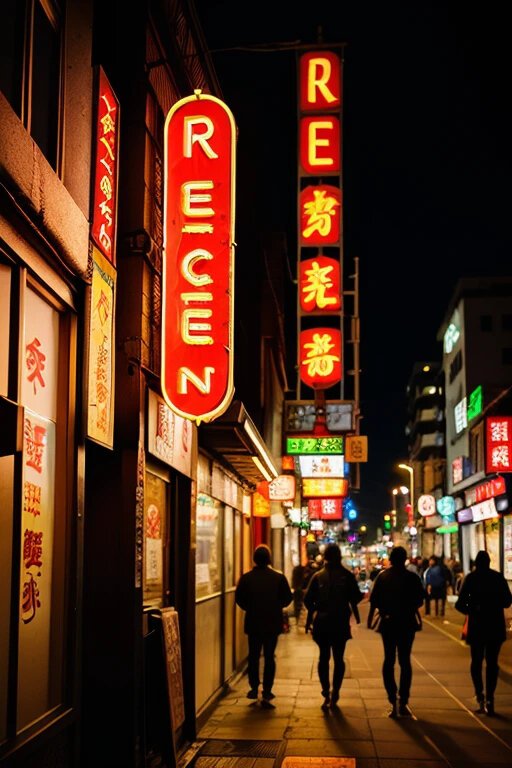
All 10 results from the same "OPEN UNTIL 3AM" neon sign prompt. No re-rolls, no cherry-picking. The gap between GPT Image 2 at the top and SeaArt at the bottom is immediately visible — no scoring rubric needed. Click any tile for the full review with all nine test images.
The product label test: "MOUNTAIN BREW — EST. 1847"
The second text-heavy prompt: a product box with the brand name "MOUNTAIN BREW", the tagline "EST. 1847", and fine print about ingredients. This tests multi-line text, different sizes, and paragraph-level rendering.
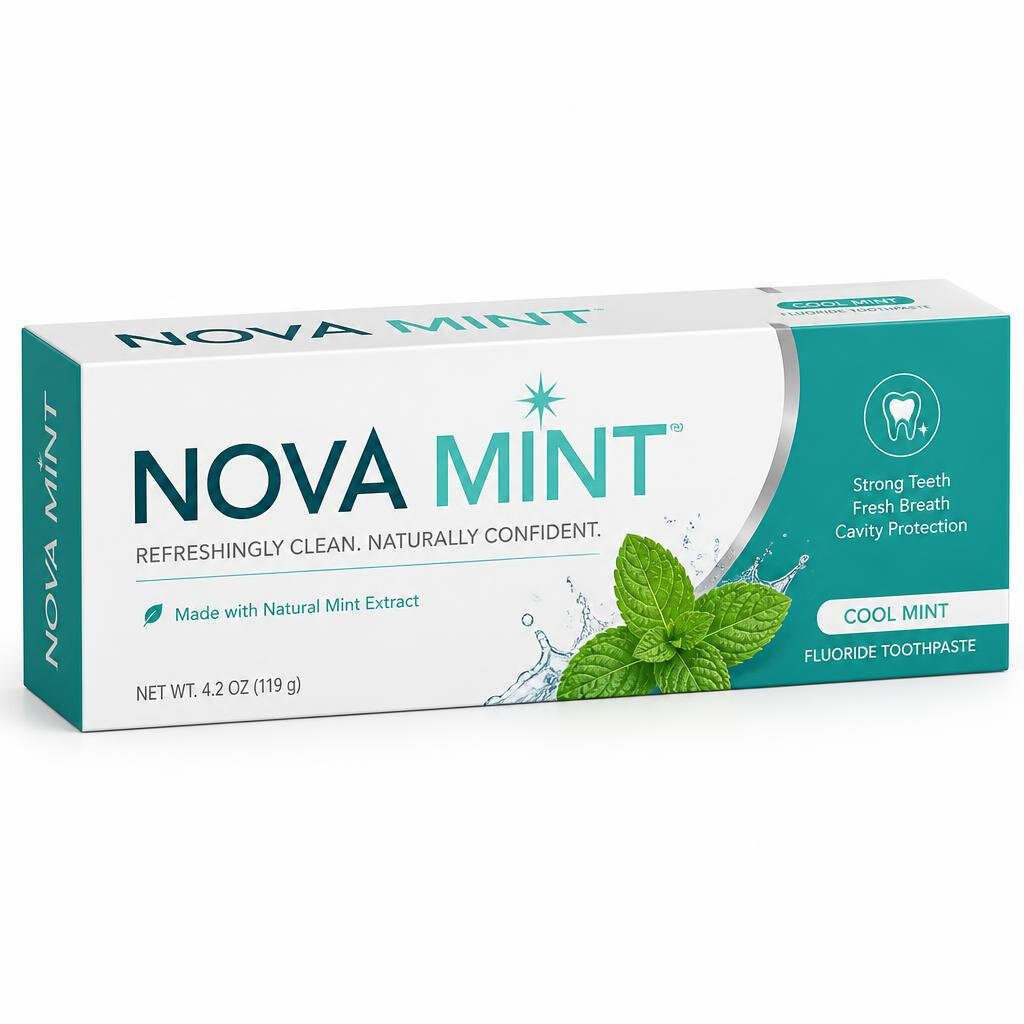
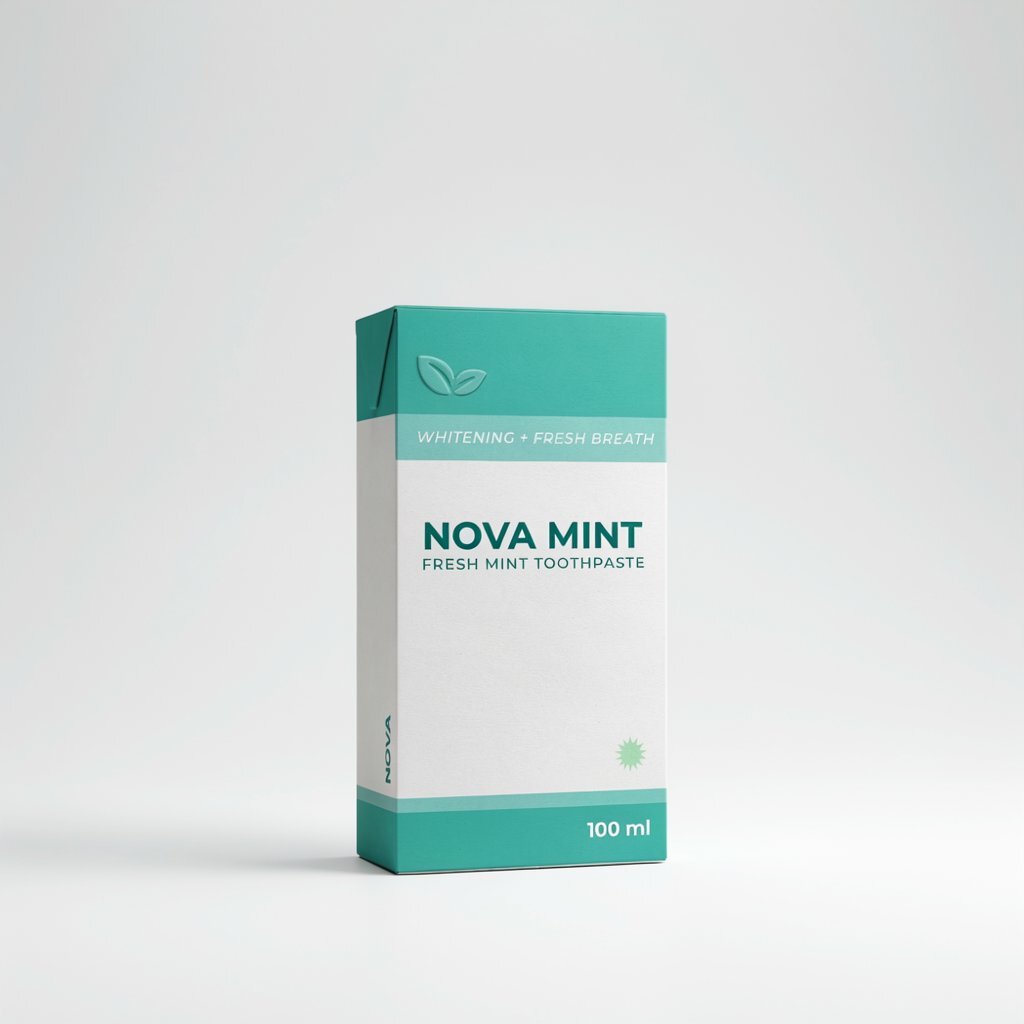
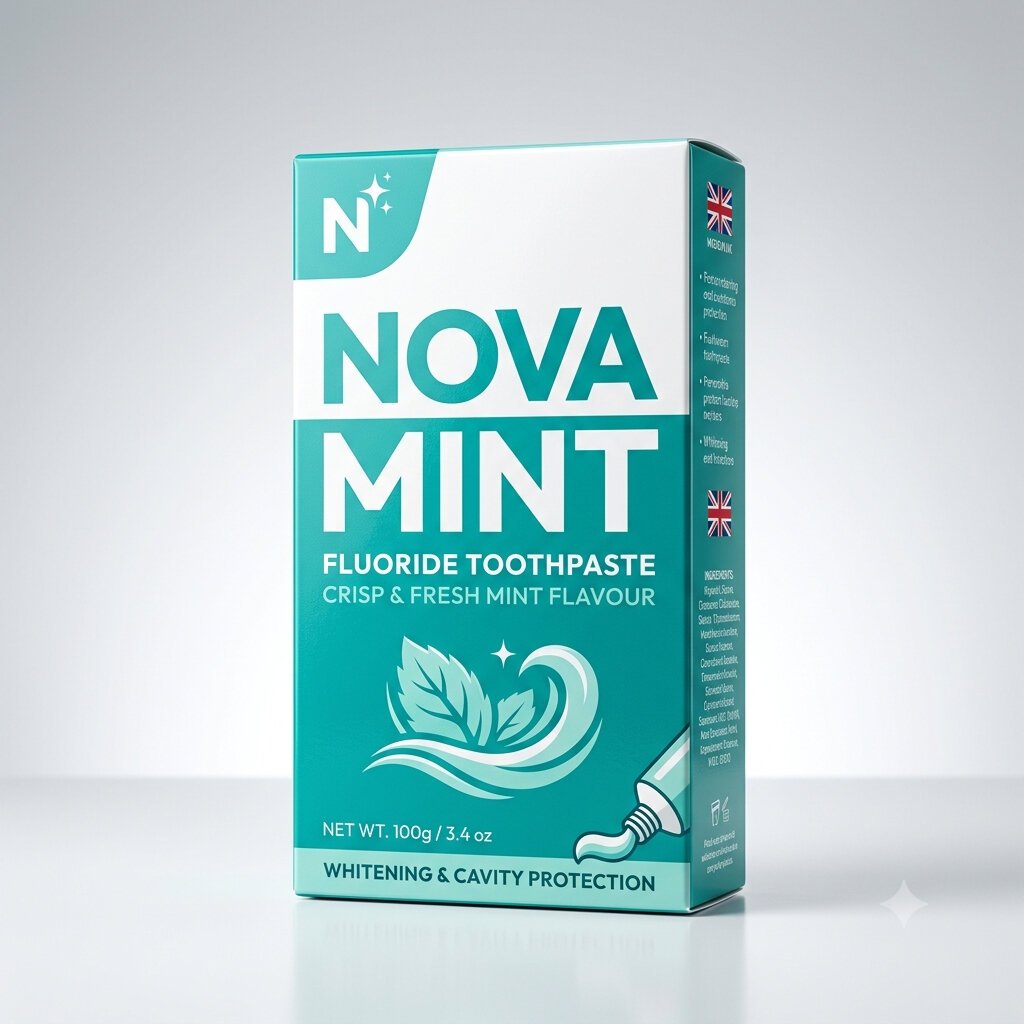
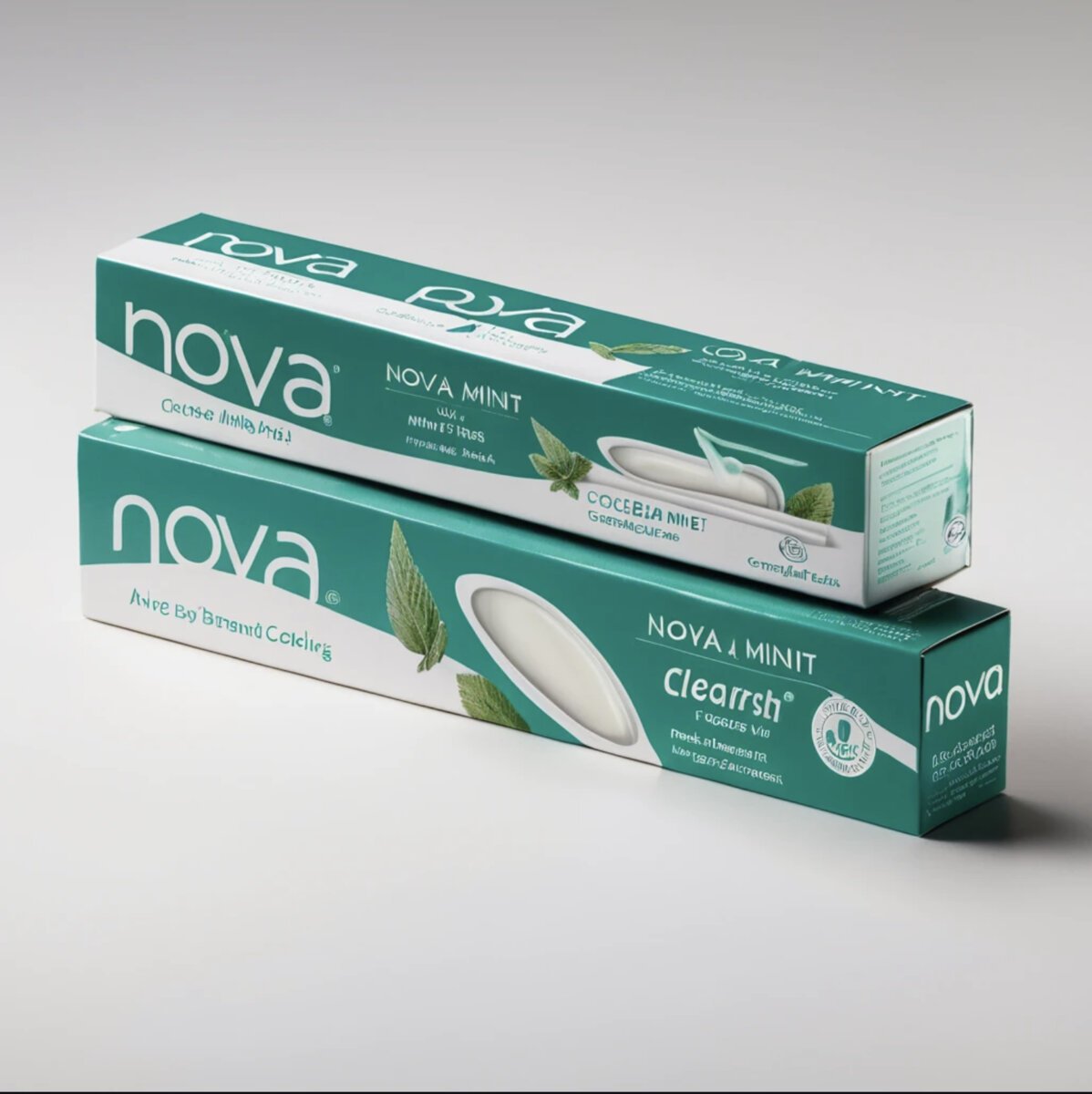
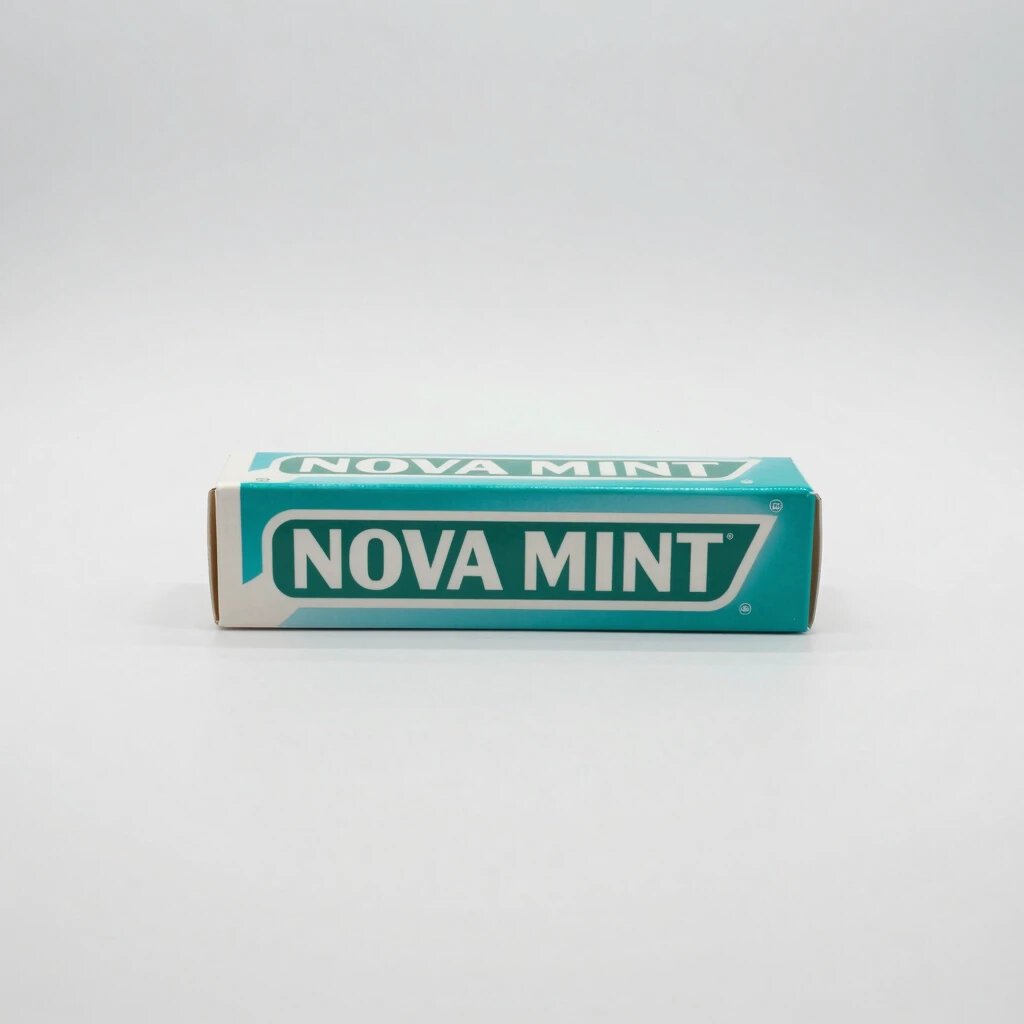
Product packaging demands multi-line text at different sizes — headline, tagline, fine print. Only the top three tools render all three layers accurately. Click any tile for the full review.
1. GPT Image 2: the text rendering leader
The only tool in our test that got everything right: the full "OPEN UNTIL 3AM" neon sign was letter-perfect, and the "NOVA MINT" product box had both the brand name and the small secondary text correct, something no other tool managed.
Why it is different. GPT Image 2 is an autoregressive model, meaning it builds the image piece by piece rather than refining noise into a picture. This architecture understands text as a sequence of characters, not a visual pattern, which is why it handles spelling where diffusion models typically fail.
What it costs. There is no standalone free tier. GPT Image 2 is accessed through ChatGPT (paid plans), the OpenAI API, or partner platforms. If text rendering is your primary need and you can afford a subscription, this is the clear choice.
Where it still struggles. Very dense paragraphs of text or text at extreme angles. But for the practical use cases most people care about, signage, product labels, posters, brand names, it is effectively solved.
2. Ideogram: the text specialist with a free tier
Ideogram was built with typography as a core feature from day one, and it shows. The neon sign was clean and legible, the brand name on the product box was correct. Where it dropped points versus GPT Image 2 was on the fine secondary print, which drifted slightly.
The free angle. 10 prompts per day at no cost. That is the most generous free text rendering available, since GPT Image 2 has no free tier. The trade-off: free images are public in Ideogram's community gallery. Paid plans start at about $7 per month and add privacy and commercial rights.
Best for. Logos, poster typography, social media graphics with text overlays, and packaging mockups where the brand name needs to be correct. For these jobs, Ideogram is often the better choice than GPT Image 2 because its aesthetic skews more toward graphic design.
3. Nano Banana 2: the best all-rounder that also does text
Nano Banana 2 is not a text specialist, it is the best all-rounder in the test. But it still scored 9.0 on text, which puts it comfortably above the rest of the field. The neon sign text was correct; the product label was accurate with slightly softer edge rendering than GPT Image 2.
When to pick this over Ideogram. When text is one requirement among several. If the image also needs correct hands, strong photorealism or faithful prompt adherence, Nano Banana 2 handles the whole brief better than a text specialist that compromises elsewhere. And it is free through Google Gemini.
The middle tier: 8.7 down to 7.3
Four tools scored between 7.3 and 8.7 on text. They can handle a single short word or a simple headline, but anything longer tends to garble. Here is what separates them.
Imagine Art (8.7) got the primary text right on both prompts but drifted on secondary lines. It is the strongest here for scenes where text is a supporting element, not the focus, like a street sign in a photoreal cityscape. Its overall score (9.1) reflects strength in everything except typography.
Krea (8.2) handles short text reliably. A one or two word label, a simple headline, a date, these come out fine. Push past about four or five words on a surface and the letters start drifting. Not a dealbreaker if text is occasional, not primary.
Kling AI (7.8) manages single headline words but falls off sharply on anything longer. The neon sign was partially correct; the product box was mostly gibberish beyond the main brand name. Strong for anime (9.3) but not for text.
Pixverse (7.5) and Leonardo (7.3) both struggled. Partial neon lettering, melted product text. If text accuracy matters at all, these are not the tools for the job.
The bottom: SeaArt and PicLumen (both 6.3)
At 6.3, both SeaArt and PicLumen produced near-random glyphs on text surfaces. SeaArt has genuine strengths elsewhere (photorealism 8.8, adherence 9.2), but text is a blind spot. PicLumen treats text as atmospheric decoration rather than something that needs to be readable.
If you need any text in the image at all, even a single word on a sign, do not use these two tools for it.
Why AI image generators struggle with text
Understanding why helps you pick the right tool and set realistic expectations.
Autoregressive models (GPT Image 2, Gemini/Nano Banana 2) render text far more accurately than diffusion models (Stable Diffusion, DALL-E 3) because they generate images token by token in reading order, preserving letter sequence. Diffusion models denoise the entire image at once and have no concept of letter order.
Pipgen architectural analysis, August 2026Diffusion models see shapes, not characters. Most AI image generators are diffusion models. They start with noise and refine it into an image. The model learns that the letter "A" looks roughly triangular, but it does not understand that A-M spells "AM" and not "MA". Longer text means more characters that need to be in the right order, and the model has no spelling checker built in.
Autoregressive models are changing this. GPT Image 2 builds images sequentially, more like how a language model builds text. This gives it a structural advantage for text rendering because it processes characters in order. Expect other models to adopt similar approaches as the technology matures.
Short text is easier than long text. Almost every tool can render a one or two word phrase. The failure rate climbs with length. A single word brand name has maybe a 70% chance of coming out right on most tools; a full sentence on a product label drops to below 20% for anything outside the top three.
Practical tip. If you need text in AI-generated images and don't want to pay, use Ideogram's free tier (10 prompts per day) for anything text-heavy, and Nano Banana 2 via Gemini for everything else. Between those two free tools, text is effectively solved for daily use.
Which tool for which text job
- Product packaging with fine print: GPT Image 2. The only tool that handles small secondary text on labels and boxes.
- Logos and poster headlines: Ideogram. Built for typography from the start, strong on short prominent text with graphic-design aesthetics.
- Neon signs and signage in scenes: GPT Image 2 or Nano Banana 2. Both render multi-word signs correctly in complex scenes.
- Text as a minor element: Imagine Art or Krea. If text is a background detail, not the focus, these tools' other strengths (photorealism, product shots) may matter more.
- No text needed: Pick by what else matters. Nano Banana 2 for all-round quality, Kling AI or Leonardo for anime, Imagine Art for product shots.
5 prompting tricks that actually improve AI text rendering
After running 90 image generations with specific text requirements, we noticed patterns in what makes text render correctly versus what breaks it. These tips apply to every tool, but they matter most for mid-tier generators where the margin between readable and garbled is thin.
From our test runs: what works and what doesn't
- Put the exact text in quotation marks inside the prompt. Every tool performs better when the text is quoted:
"OPEN UNTIL 3AM"instead of just open until 3am. Quoted text tells the model this is a literal string, not a scene description. - Shorter text is dramatically more reliable. 1-3 words render correctly on 8 of 10 tools. Past 6 words, even GPT Image 2 starts inserting line breaks or changing letter spacing. If you need a paragraph, generate the image without text and add it in an editor.
- ALL CAPS is more reliable than mixed case on diffusion-based tools (Leonardo, SeaArt, PicLumen). The model confuses lowercase letterforms more easily — "ramen" becomes "raman" or "romen" more often than "RAMEN" becomes "RAMAN".
- Specify the text surface. A sign, label, or badge gives the model a physical location for the text. Floating text in mid-air fails more often because the model has no training examples of text hovering in space.
- Avoid numbers mixed with letters in mid-tier tools. "3AM" is harder than "THREE AM" for tools scoring below 8.0. The model treats digits and letters as different token types and combining them in one phrase increases error rates.
To get the best text rendering from any AI image generator: put the exact words in quotation marks, keep it under 4 words, use ALL CAPS on weaker tools, and always place text on a physical surface like a sign or label rather than floating in the image.
Pipgen prompt testing, 90 generations, August 2026How we tested text rendering
The text scores come from two of the nine prompts in our full benchmark:
- Neon sign prompt: "a neon sign above a ramen shop that reads 'OPEN UNTIL 3AM', night street, shallow depth of field." Tests whether the tool can spell a specific phrase in context.
- Product box prompt: "a product box for 'NOVA MINT' toothpaste, brand name clearly printed, teal and white packaging, studio light." Tests both the main brand name and the small print that betrays most tools.
Every tool received the same prompts verbatim, on default settings, and the first output was kept with no re-rolls. Scoring: adherence (did it spell the words right), coherence (are the letters physically sound) and aesthetic (does the text look integrated into the scene), each out of 10, averaged. All 20 text images are published in the individual reviews.
Full methodology: how we test and score.
Common questions about AI text rendering
Which AI image generator is best for text in images?
GPT Image 2, which scored 9.8 out of 10 on our text rendering test. It is the only tool that reliably renders full product labels including small print. See our full review. For a free option, Ideogram (9.2) gives 10 prompts per day.
Can AI image generators spell words correctly?
Some can, most cannot. In our ten-tool test, only 3 out of 10 scored 9.0 or higher on text: GPT Image 2 (9.8), Ideogram (9.2) and Nano Banana 2 (9.0). The bottom two tools scored 6.3, producing near-random glyphs. Short text (one or two words) is easier than long text for every tool.
Why do AI image generators struggle with text?
Most are diffusion models that treat letters as visual shapes, not as characters in a sequence. They learn roughly what an "A" looks like but have no spelling rules. Longer text means more characters that all need the right order, and the model has nothing to enforce that. Newer autoregressive models like GPT Image 2 handle text better by processing characters sequentially.
What is the best free AI image generator for text?
Ideogram, which scored 9.2 on text and offers 10 free prompts per day (images are public on the free tier). Nano Banana 2 (text 9.0) is free via Google Gemini with no daily limit but adds a watermark. Between them, text rendering is solved for free daily use. See our full guide to free AI image generators.
Which AI image generator is best for logos?
For logos where the brand name needs to be readable, Ideogram and GPT Image 2 are the top choices. Ideogram's aesthetic leans toward graphic design, making it a natural fit for logo mockups. GPT Image 2 handles more complex text but skews photorealistic. See our full benchmark for all scores.